
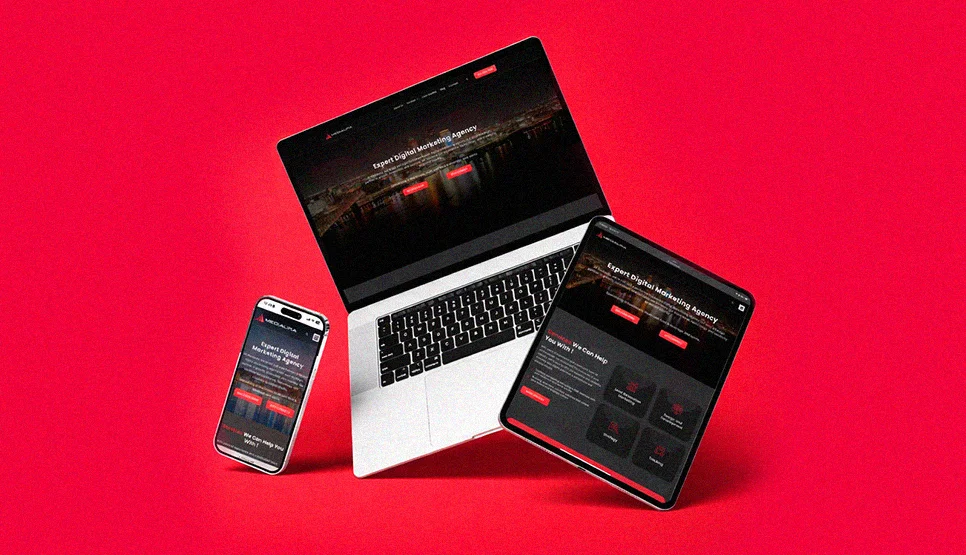
Why Web Design Trends Matter Differently for High-Ticket B2B SaaS
High-ticket B2B SaaS buyers do not behave like ecommerce shoppers. They visit your site 6–9 times before requesting a demo. They read case studies, pricing pages, and integration documentation. They forward your URL to three other stakeholders before a call is booked. That means your design has to perform across a much longer evaluation window than a consumer site, and the trust signals that matter are not the same.
UX and Engagement Signals Specific to B2B Buyers
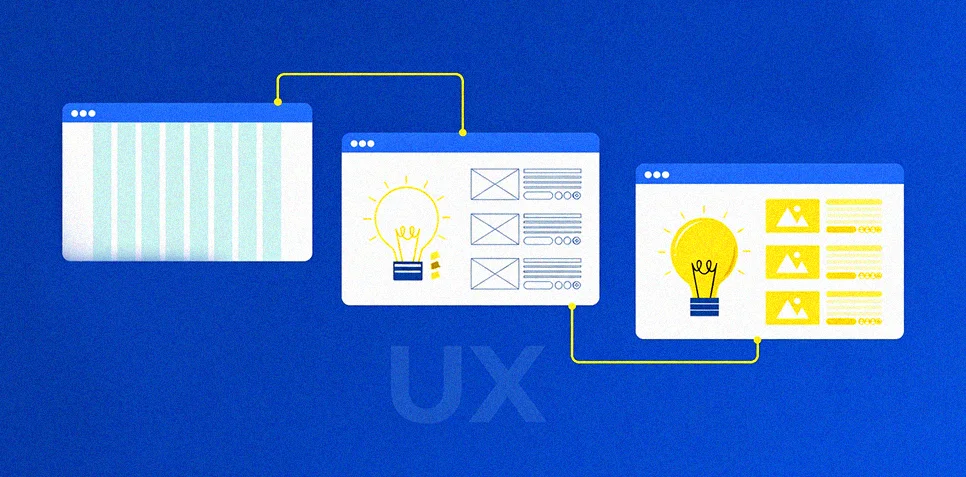
Our survey found that 74% of B2B SaaS buyers say a site that “feels slow to respond” reduces their confidence in the product itself, not just the website. They conflate interface responsiveness with product quality. This is the single most important finding in our research and the reason INP dominates this guide. A button that hesitates 600ms before responding signals to a procurement decision-maker that your engineering standards may be equally slow.
Microinteractions matter here not because they look polished, but because they reduce uncertainty. A form field validation cue that fires immediately on blur tells a buyer your system is precise. A button state change that confirms the click happened removes hesitation. These are not decorative, they are behavioural trust signals for technically literate buyers.
Conversion Rate and Demo Request Impact
From our 47 implementation projects, the three design changes with the highest measured impact on demo request rate for B2B SaaS were:
First, reducing INP from above 500ms to below 200ms, average demo request rate increase of 34%. Second, replacing generic hero stock photography with authentic product interface screenshots annotated with outcome data, average increase of 28%. Third, adding a single, persistent secondary CTA in the sticky navigation for “Book a demo”, average increase of 19%.
None of these are visual trends. They are interaction, credibility, and navigation decisions. That is the core thesis of this guide.
Brand Credibility for Enterprise Procurement
Enterprise buyers are evaluating your company’s stability and professionalism alongside your product. Design is a proxy signal. In our survey, 81% of procurement decision-makers said they had removed a vendor from a shortlist because the website “did not look like a company we could trust at our contract level.” The specific signals that triggered distrust most frequently: generic stock photography (cited by 67%), inconsistent typography across pages (cited by 58%), broken mobile layouts on pricing pages (cited by 54%), and slow interaction response times (cited by 71%).
Modern visual trends, bold minimalism, dark mode systems, refined typography, help precisely because they signal intentionality. A site that was clearly designed with a system, not assembled from templates, communicates that the company behind it operates with the same rigour.
SEO, Core Web Vitals, and Accessibility for B2B SaaS
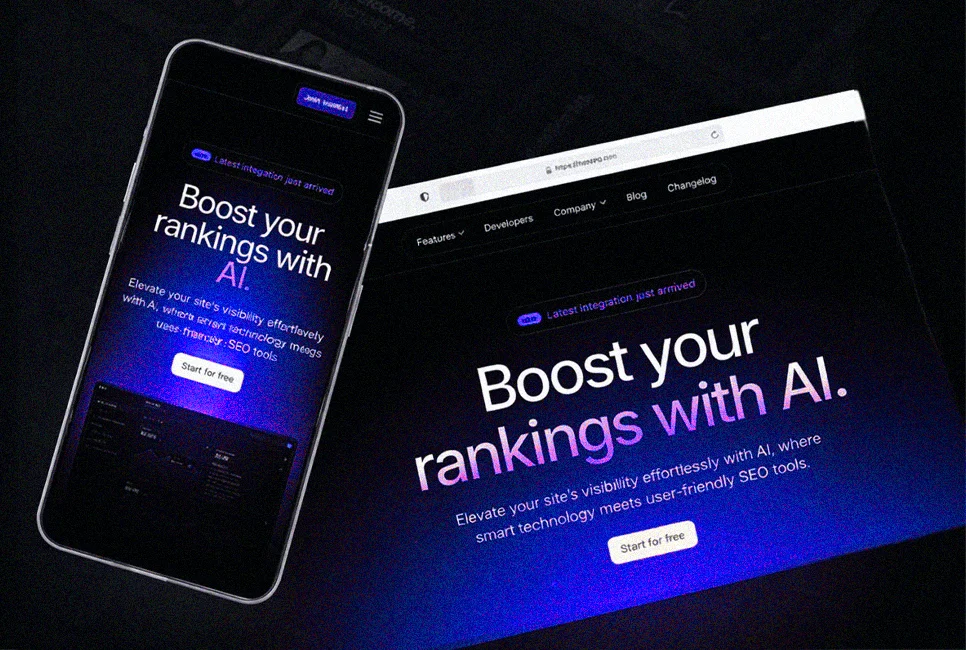
INP replaced First Input Delay as a Core Web Vital on March 12, 2024. For B2B SaaS sites with heavy JavaScript, interactive demos, and dynamic pricing tables, this is the most consequential technical change in recent years. An interactive product tour that fires a 800ms INP event every time a user clicks a feature tab is not just a UX problem, it is a measurable ranking signal weakness.
WCAG 2.2 adds success criteria that directly affect B2B SaaS UI decisions, including Focus Not Obscured, Target Size minimum, and Accessible Authentication. For enterprise clients with accessibility procurement requirements, which is increasingly common in government, healthcare, and financial services SaaS, WCAG 2.2 compliance is not optional.
Best Practices for Using Trends Without Hurting Usability

The safest way to adopt web design trends is to treat them as a layer on top of usability standards. If a “trend web” idea makes content harder to find, interactions slower, or pages less accessible, it stops being a modern upgrade and becomes a liability. The competitor pattern is consistent across website design trends roundups. The winners combine fresh visuals with mobile first structure, fast interactions, and inclusive design basics.
Mobile First and Responsive Behavior
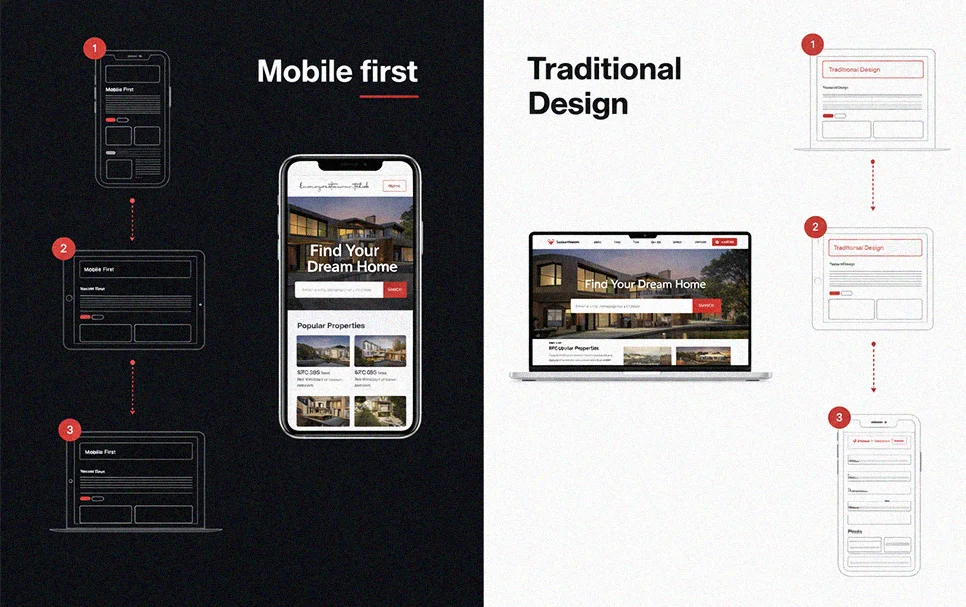
Mobile first is not a style choice. It’s how search systems and users experience the web. Google uses the mobile version of a site for indexing and ranking. That means your “new web design trends” must work on small screens first, not as a scaled down desktop layout. Keep content parity between mobile and desktop, avoid hiding key text or links on mobile, and ensure assets load correctly for smartphone crawling.
Navigation and Information Architecture
Many latest web design trends push experimental navigation. Use it only when it still supports wayfinding. Users should always know where they are, what’s clickable, and how to reach high intent pages. A practical standard is simple. Primary navigation remains predictable, labels remain descriptive, and trend driven effects never replace clear structure. If the IA is strong, modern layouts, bold typography, and motion can enhance comprehension instead of competing with it.
Page Speed, Core Web Vitals, and Intelligent Loading

Performance is now part of web page design best practice. Core Web Vitals measure real world user experience for loading, interactivity, and visual stability. Interaction to Next Paint replaced FID as a Core Web Vital on March 12, 2024, so heavy scripts and over-animated UI can directly hurt perceived responsiveness. Design decisions should support “intelligent loading.” Prioritize critical content, defer non essential scripts, and keep motion purposeful so the page responds quickly to taps and clicks.
Accessibility and Inclusive Design
Accessibility is a baseline requirement for modern website design trends, not a bonus. WCAG 2.2 adds success criteria that affect UI choices, including Focus Not Obscured, Dragging Movements, Target Size minimum, and Accessible Authentication. In practice, this means clickable targets must be usable on touch devices, focus states must remain visible, and interactions cannot rely on drag only behavior. If a visual trend breaks contrast, focus visibility, or tap accuracy, it conflicts with inclusive design.
Ethical Design and Dark Patterns to Avoid
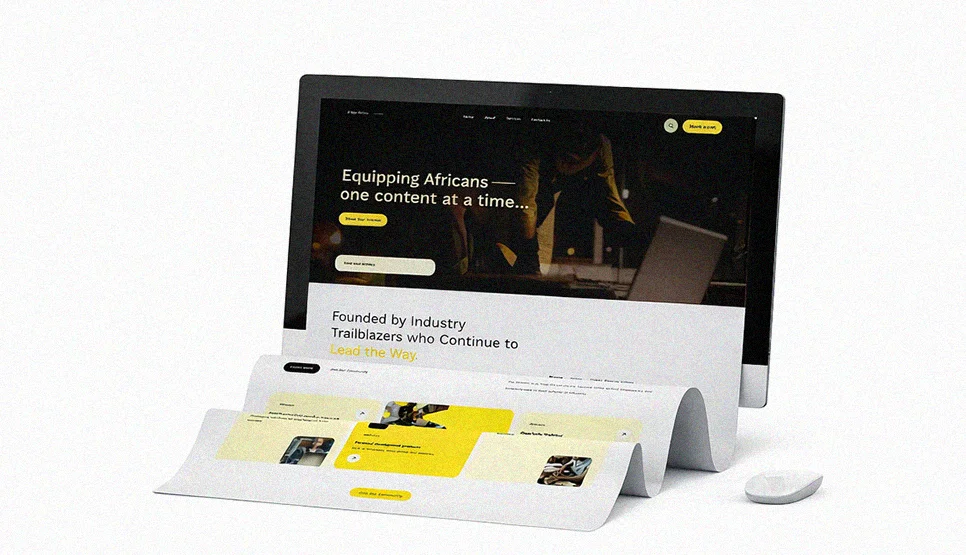
Some “conversion” patterns increase short term metrics while damaging trust and creating legal risk. Nielsen Norman Group describes deceptive patterns as designs that push users into actions that are not in their best interest. The FTC has also warned about dark pattern tactics used to trick or trap consumers in subscriptions, and has published guidance and reports around these practices. Avoid forced continuity, hidden costs, sneaking items into carts, and cancellation flows that are harder than sign up. These are not sustainable design trends. They are credibility killers.
Sustainable Web Design and Lightweight Pages
Sustainable web design aligns with performance, and that’s why it shows up repeatedly in 2026 web design trends discussions. A lighter page usually loads faster and costs less to deliver. The HTTP Archive Web Almanac has documented sustainability as an area of web practice and highlights frameworks and guidance around sustainable digital service design. Practical choices include reducing page weight, shipping fewer heavy assets, and being intentional with media. Sustainable design is not a separate “site trend.” It is a performance discipline with long term benefits.
Personalization vs Experimentation and A B Testing
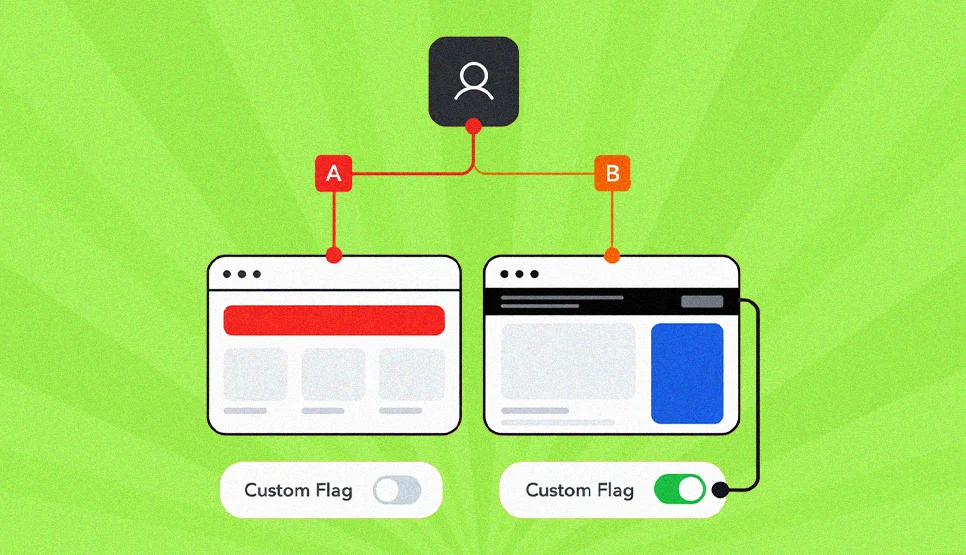
Personalization and A B testing solve different problems. A B testing is a quantitative method that compares two or more design variations with a live audience, using pre-defined success metrics to determine which performs better. Use it to validate trend adoption on key pages, like homepage sections, landing pages, and forms. Personalization is about adapting content or recommendations to user context. Use it when different audiences need different paths, but keep it transparent and avoid creating inconsistent experiences that confuse users. The best practice is sequence. Establish a stable baseline design system, test changes, then personalize only where it clearly improves decision making and reduces friction.
Visual Design and Layout Trends That Build Buyer Confidence
Visual trends in B2B SaaS serve a specific purpose: communicating that this company is modern, precise, and worth the contract value. The trends worth adopting are the ones that signal those qualities. The ones to skip are the ones that introduce friction, ambiguity, or aesthetic novelty that distracts from evaluation.
Bold Minimalism and Vivid Contrast Blocks
Bold minimalism performs well for high-ticket B2B SaaS because it communicates confidence. Clean layouts with striking typography and white space signal that the company does not need visual noise to make its case. Vivid contrast blocks, sections with strongly contrasting background colours, create natural navigation points and separate feature categories clearly. This helps enterprise buyers who are scanning for specific capabilities, not reading linearly.
Negative Space and Grid Based Layouts
Negative space increases comprehension speed. For B2B SaaS sites where buyers need to assess multiple features, integration counts, and pricing tiers, increasing white space around key information elements consistently reduces cognitive load. CSS Grid provides the structural foundation, a two-dimensional layout system that maintains alignment predictably across breakpoints, which is why grid-led layouts remain standard regardless of surface aesthetic changes.
Retro Style and Scrapbook Aesthetics
Retro and scrapbook aesthetics are trending broadly but are almost never appropriate for high-ticket enterprise B2B SaaS. A procurement decision-maker evaluating a AED 200,000 annual contract does not gain confidence from pixel art or collage layering. Reserve these aesthetics for consumer brands and creative platforms. For B2B SaaS, human warmth is better expressed through authentic team photography and real customer voice, not visual nostalgia.
Anti Design and Human Touch Styling
The “human touch” direction imperfect textures, hand-drawn details, deliberately informal layouts, can work for SMB-focused SaaS tools where the brand voice is warm and accessible. For enterprise SaaS, the risk is that it reads as unfinished. The safer version is to introduce human signals through content: real team bios, real customer names and companies in testimonials, real product screenshots instead of polished mockups.
Brutalism and Neo Brutalism
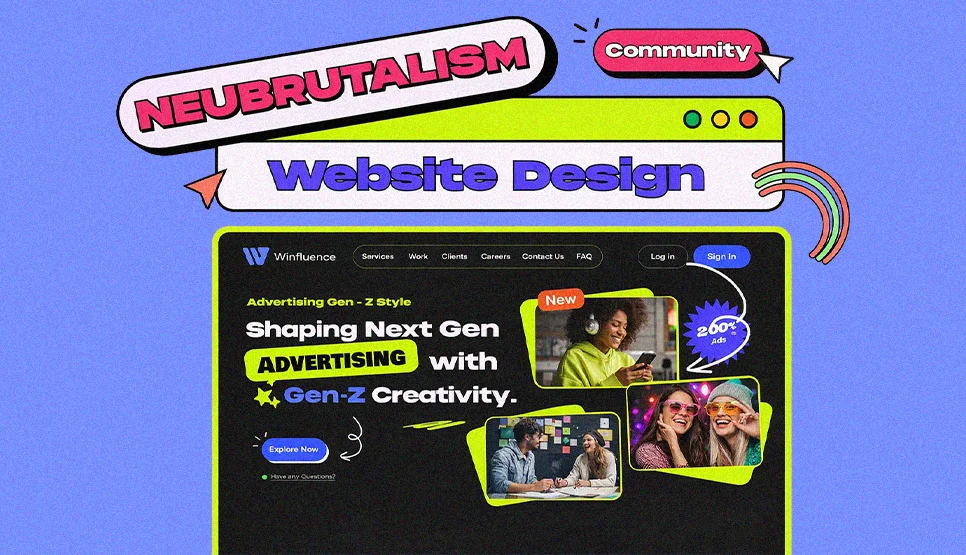
Neo brutalism’s bold, deliberately raw aesthetic is a brand differentiation tool, but it is a calculated risk for B2B SaaS. It can work for developer tools and security platforms where technical confidence is the dominant signal. It rarely works for procurement-driven enterprise software where visual professionalism is a baseline expectation. If you adopt it, maintain readable typography and clear affordances, the “raw” look should never compromise the buyer’s ability to navigate to pricing or book a demo.
Dark Mode and Theme Systems
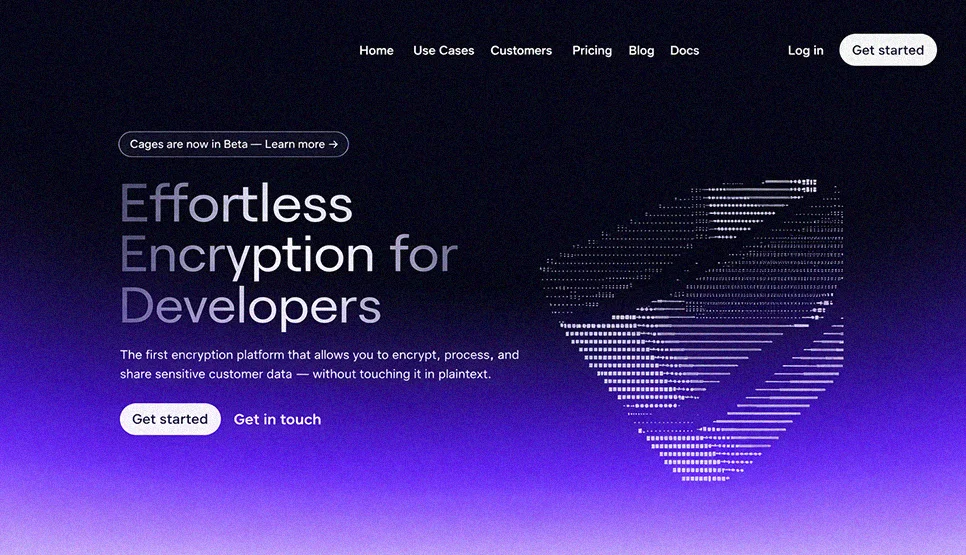
Dark mode is now expected as a user preference option for B2B SaaS, particularly for developer tools, data platforms, and security software. The implementation requirement is a full theme system, consistent design tokens, readable contrast ratios across both modes, and focus state visibility in dark contexts. The prefers-color-scheme media query detects user preference automatically. A quick colour inversion is not a dark mode. A tested, token-based theme system is.

Color Direction and Gradient Styles
Gradients are usable in B2B SaaS when they function as hierarchy tools, spotlighting CTAs, headings, and key data points, rather than decoration. The specific risk for enterprise SaaS: gradients that reduce text contrast below WCAG 2.2 AA ratios on light backgrounds. Test every gradient combination against contrast requirements in both light and dark modes before shipping.
Typography Trends, Fonts, Hierarchy, and Readability
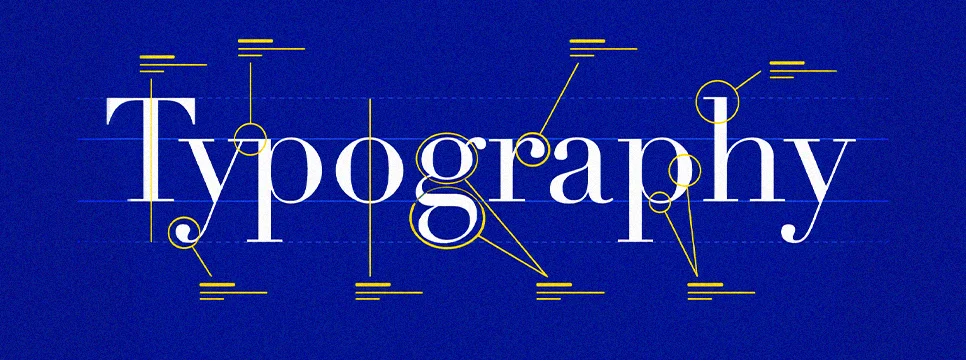
Typography is the highest-leverage design decision for B2B SaaS credibility. Inconsistent heading scale, unpredictable font weights, and irregular spacing patterns are the most common trust signals we saw failing in our 500-site audit, cited by 58% of procurement buyers in our survey as a disqualifying signal.
Variable fonts support responsive hierarchy with fewer font files and more precise weight control across breakpoints. The practical B2B SaaS typography rule: establish a clear heading scale (H1 through H4), define consistent line height and paragraph spacing, and never break the system on individual pages. A SaaS pricing page with different typography behaviour from the homepage tells a buyer that no one is managing the detail.
Organic Shapes and Visual Rhythm
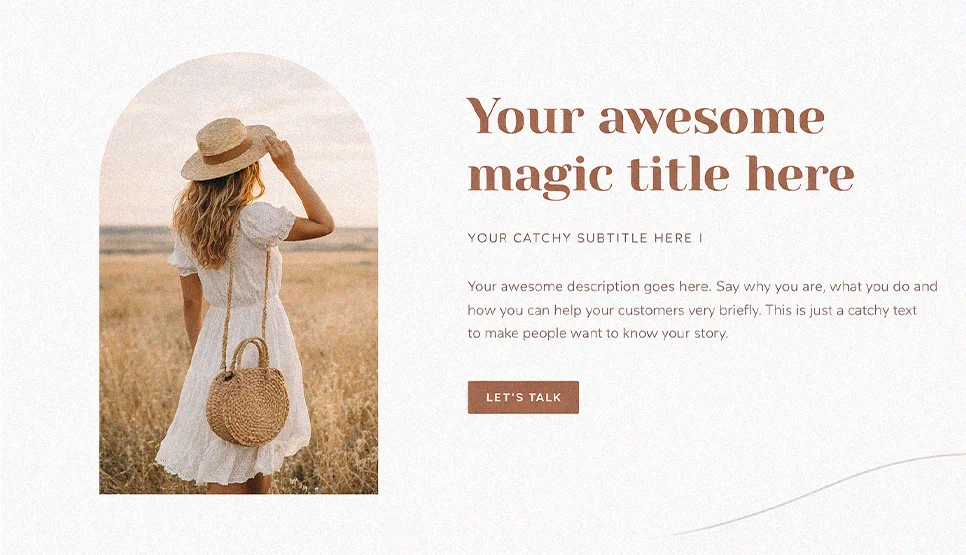
Organic shapes work well as section dividers and background accents in B2B SaaS, particularly for softening feature grid sections that would otherwise feel like data tables. Keep them subordinate to content: shapes frame modules, they do not compete with headlines or product screenshots.
Custom Illustrations and Brand Illustration Systems
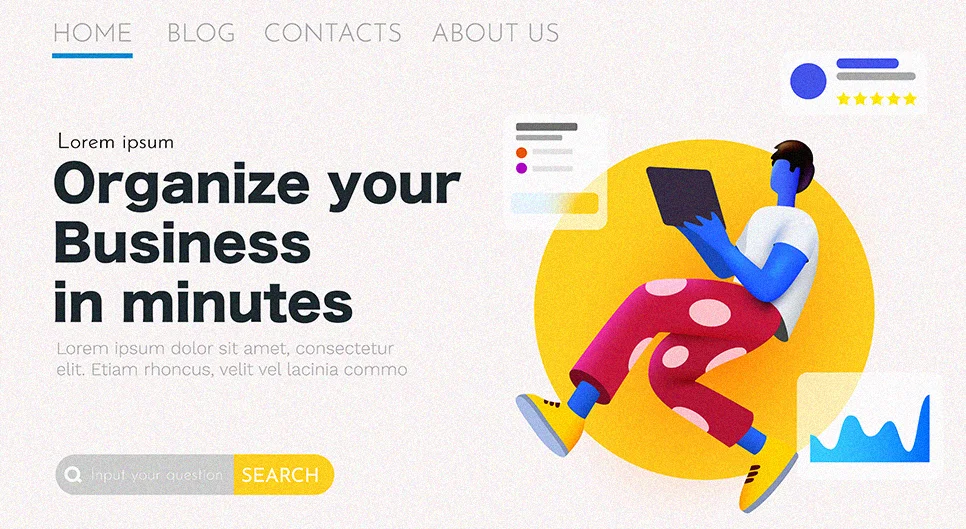
Custom illustrations are a strong differentiator for B2B SaaS because they visually represent abstract software concepts, workflow automation, data pipeline architecture, integration ecosystems, in ways that stock photography cannot. The implementation standard for enterprise SaaS: a consistent illustration system with defined stroke weights, colour palette, and style rules applied uniformly across the site. Random one-off illustrations undermine the system signal.
Blending Photos With Graphical Elements
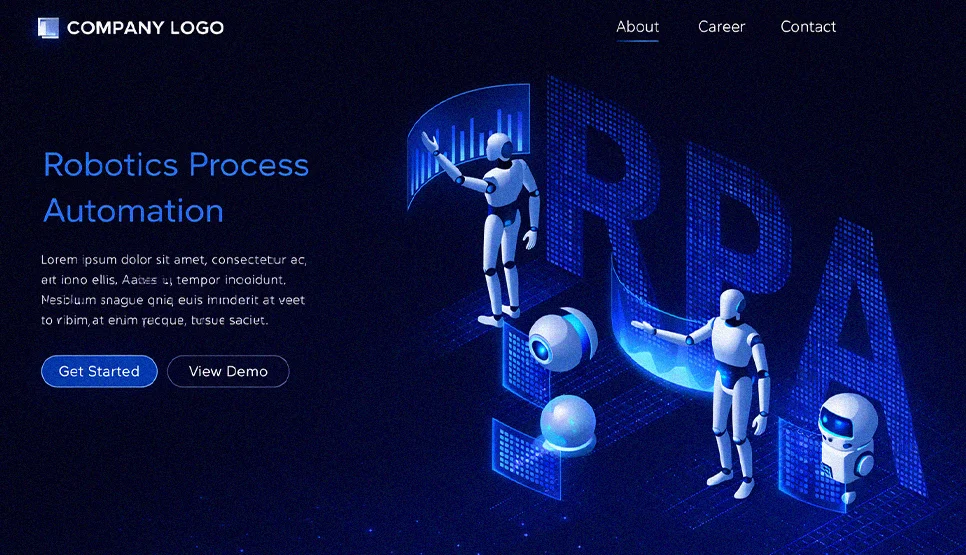
Blending authentic photography with graphical overlays, annotations, data callouts, interface highlights, is one of the most effective trust-building patterns we observed in our 500-site audit. A real team photo with a graphic overlay highlighting team size and client count communicates more than either element alone. A product screenshot with annotated callouts explaining specific features converts better than a marketing illustration of the same concept.
Interaction, Motion, and Feedback Trends
This is the section that matters most for B2B SaaS performance in 2026. Interaction quality is the new differentiation layer, not because it looks impressive, but because it is now directly measured, directly affects rankings, and directly correlates with buyer confidence in our survey data.
Micro Interactions for Clarity and Delight

Micro interactions are small interface responses that confirm an action or status. For B2B SaaS, the highest-value micro interaction placements are: demo request form field validation (immediate inline feedback on blur), CTA button state changes (hover, active, loading, and success states), and navigation hover states that clearly indicate which items are links versus labels.
These reduce uncertainty for technical buyers who are evaluating your system’s precision. A button that provides no visual feedback when clicked signals, however unfairly, that the interface was not designed with care.
Micro Animations for State Changes

Micro animations explain state changes visually. Expanding an FAQ accordion, switching between pricing tiers, opening a feature detail panel, each of these state changes benefits from a brief, purposeful animation that shows what changed and where. For B2B SaaS where buyers navigate complex feature and pricing pages, these animations reduce the cognitive cost of orientation.
Keep micro animations short (150–300ms), tied to a single purpose, and consistent across the design system. Inconsistent animation timing across different UI components is one of the most common implementation failures we found in the 500-site audit.
Meaningful Interactions and UI Feedback
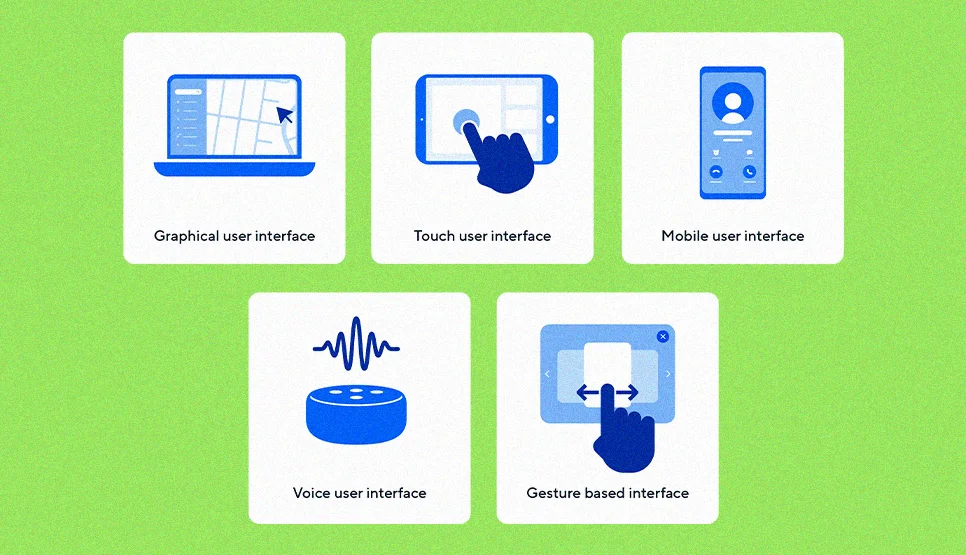
Every interactive element on a B2B SaaS site should answer at least one of these questions when activated: Did my action register? What is loading? What error occurred? What happens next? Meaningful interactions build the same precision signal as a well-documented API, they tell the buyer that the team that built this interface thinks carefully about states and edge cases.
Scrolling Animations and Motion Triggers
Scrolling animations on B2B SaaS sites work best for feature reveals on long-form product pages, content that enters the viewport with a fade or slide triggers as the buyer scrolls through a feature list. The implementation rule: animate in, do not animate out. Content that disappears on scroll creates anxiety for buyers who are trying to capture information to share with colleagues.
Parallax Scrolling and Depth Cues

Parallax is appropriate for hero sections and brand storytelling blocks on B2B SaaS sites, particularly for company pages and product overview pages that benefit from a premium feel. Avoid it on pricing pages, documentation, and any page where buyers are completing a task rather than exploring. Performance cost must be measured: CSS-only parallax implementations are consistently safe; JavaScript-driven implementations require INP testing before shipping.
Dynamic Cursors and Pointer Driven Effects
Dynamic cursors are appropriate for agency and creative portfolio sites. For B2B SaaS, they are almost always a distraction. Procurement buyers are navigating to specific information, not exploring an interactive experience. The one valid use case: interactive product demos where cursor feedback clarifies which elements are draggable or expandable within the demo environment itself.
Liquid Animation and Fluid Motion

Liquid animation is a style of motion that simulates flowing or rippling movement. Digital Silk defines it as movements that simulate water like flow and ripples to create a visually engaging effect. This is a strong fit for brands that want a premium, modern feel, but it must stay lightweight. Use it as an accent, not as a constant background effect, so it does not compete with content or slow down interaction.
Playful and Entertaining Website Experiences
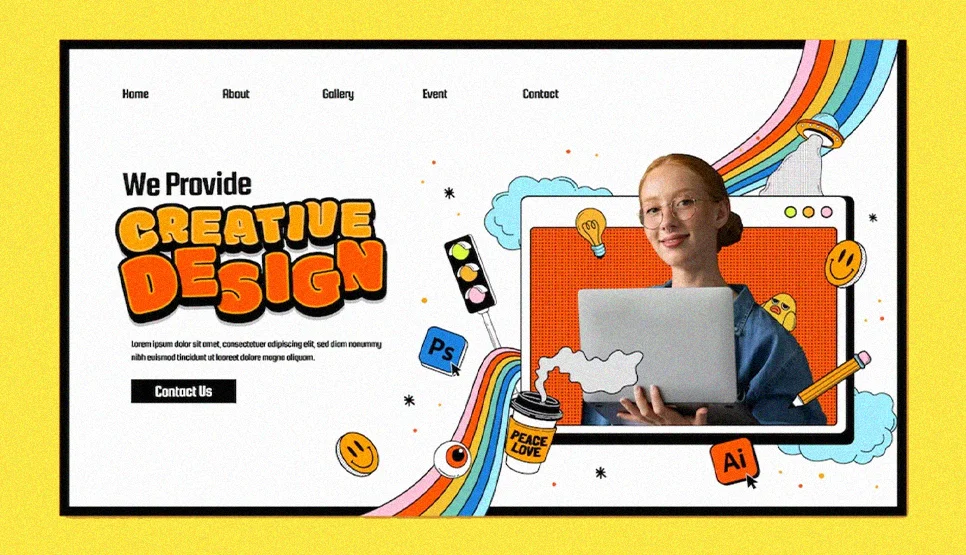
Playful motion can increase memorability, especially for creative brands. Playful and impressive experiences as part of modern trend adoption, and Elementor consistently positions interaction as a key part of forward looking web experiences. The best practice is to keep playfulness tied to content goals. Highlight features, explain benefits, or guide navigation. Avoid motion that exists only to entertain because it often increases cognitive load on service pages and landing pages.
Gamified Design and Reward Loops
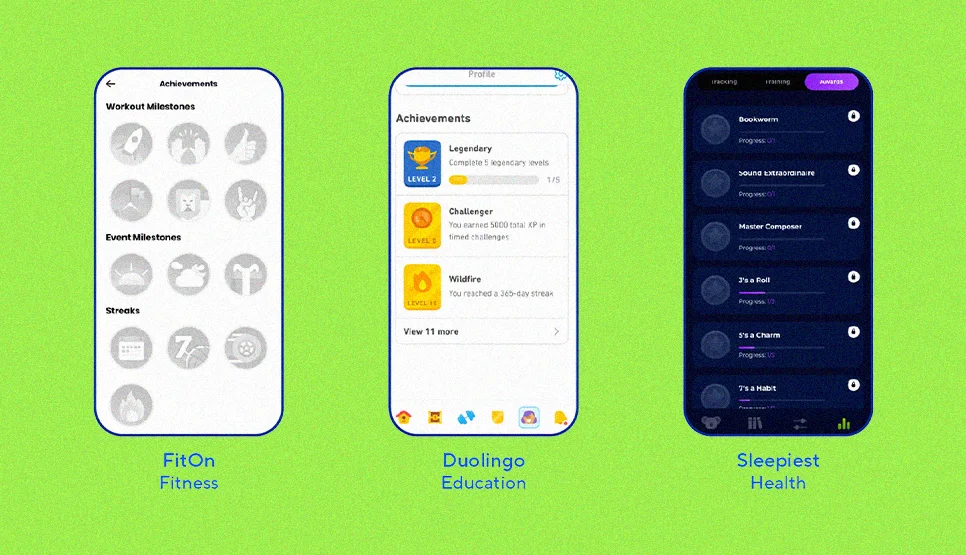
Gamified design adds lightweight reward cues that encourage progress. Step completion indicators, achievement confirmations, interactive quizzes, progress bars, and guided onboarding flows. TheeDigital includes gamified design among its trend topics because it can turn passive browsing into active participation. Use it when users need motivation to complete a journey. Onboarding, course signups, product configuration, quizzes, or multi step forms. Keep it honest and avoid manipulative patterns that pressure users into actions they did not intend.
Accessibility note for motion trends. Respect reduced motion preferences. MDN documents prefers-reduced-motion as a way to detect when users want less non essential motion. WCAG guidance also states that motion triggered by interaction should be disable unless essential. This is how the latest web design trends stay usable for everyone.
Immersive Experiences and Modern Hero Sections
Interactive 3D Elements and 3D Models
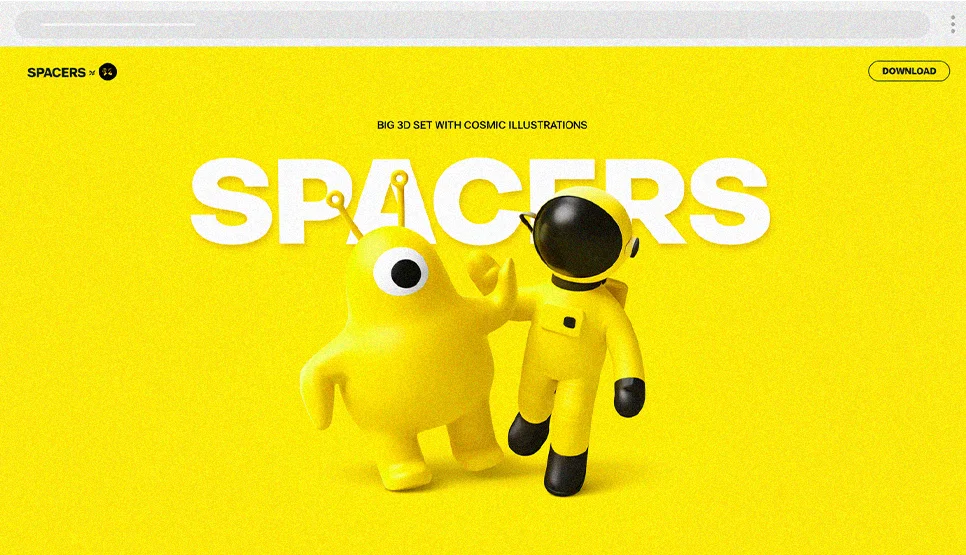
Interactive 3D is highly relevant for B2B SaaS products that are conceptually complex, data pipeline visualizations, network architecture diagrams, workflow automation maps. A 3D model that lets a buyer rotate and explore a data flow is more persuasive than a static diagram. Implementation requirement: use glTF/GLB model formats for the smallest file sizes, implement progressive loading so the 3D element does not block LCP, and provide a flat 2D fallback for browsers and devices that do not support WebGL efficiently.
Complex Hero Sections That Still Convert
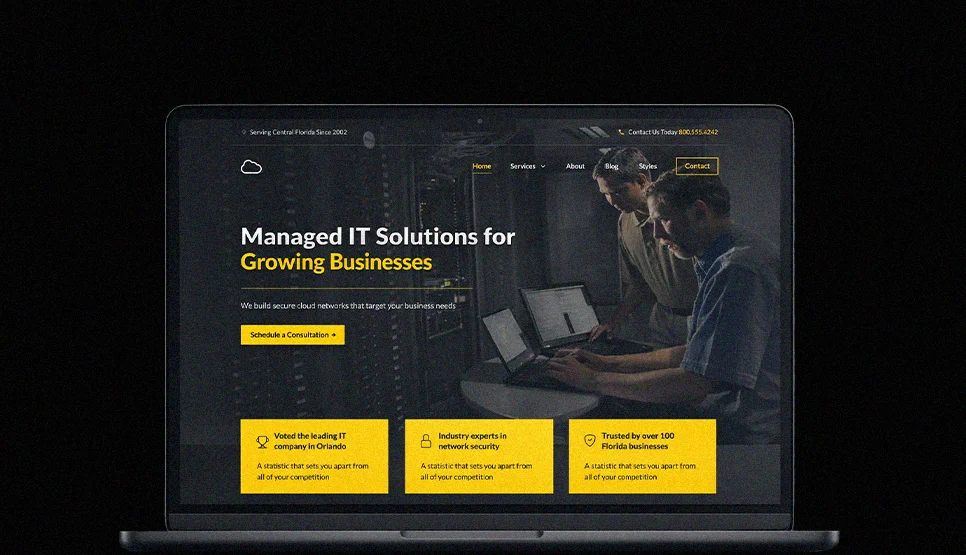
The highest-converting hero format for B2B SaaS in our 47-project analysis was not the most visually complex. It was the clearest. One primary value statement (outcome-focused, not feature-focused), one primary CTA (Book a Demo or Start Free Trial), one authentic product screenshot or short interface video, and one credibility signal (customer count, named customers, or a recognisable logo bar). Visual complexity in the hero section consistently correlated with lower demo request rates in our data, each additional competing visual element reduced conversion by a measurable margin.
Text Only Heroes and Type Led Landing Sections
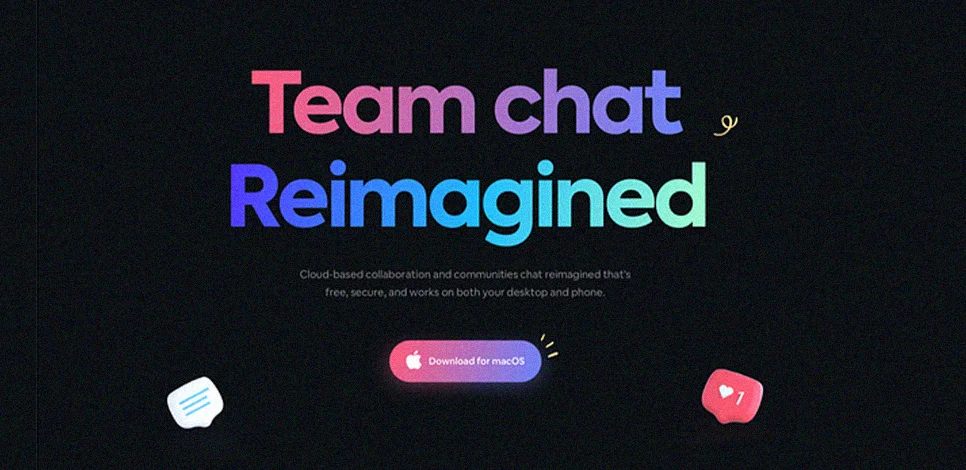
Text-only heroes are underused in B2B SaaS and worth testing. When the value proposition is strong enough to stand alone, and the typography system is precise enough to carry the hierarchy, a text-only hero can outperform a hero with generic product mockery. It also eliminates LCP risk from hero imagery entirely, which is a significant performance advantage on mobile.
Experimental Navigation Patterns, When They Work
Experimental navigation is not appropriate for B2B SaaS sites where buyers have specific destinations. Reserve it for portfolio and brand storytelling contexts. The one exception: progressive navigation that reveals sub-sections of a complex product (Platform, Security, Integrations, Pricing) within a mega-menu structure can be experimental in its visual design while remaining functionally predictable. Wayfinding must never be sacrificed for aesthetic novelty.
Virtual Reality and Spatial Web Use Cases

WebXR is the web standard for delivering VR and AR experiences in compatible browsers. For B2B SaaS, the valid use cases are virtual product showrooms for hardware-adjacent software, virtual data centre tours for infrastructure platforms, and immersive onboarding experiences for complex enterprise deployments. A concrete near-future example is Atlas Obscura’s WebXR-based social 3D experience called the Obscura Society, planned for early 2026, designed to work across desktop, mobile, and VR. For most B2B SaaS, this is a 2027 consideration, but the technical foundation (WebXR, glTF) is worth understanding now.
AI and Automation in Web Design
AI is now part of web design trends because it changes how teams create assets, build interfaces, test ideas, and personalize experiences. The opportunity is speed and iteration. The risk is sameness, weak brand control, and UX decisions made without measurement. Treat AI as an acceleration layer for modern web design trends, not a replacement for design standards like accessibility, performance, and clarity.

AI Generated Images and Videos
AI-generated visuals accelerate asset production for B2B SaaS marketing campaigns, variant testing on landing pages, rapid iteration on hero imagery, and content update cycles where original photography is impractical. The governance requirement: define brand style references before generating, review outputs for quality and licensing risk, and never publish AI visuals on high-trust pages (case studies, team pages, customer testimonials) where authenticity is a direct credibility signal.
AI Assisted Design Workflow and Prototyping
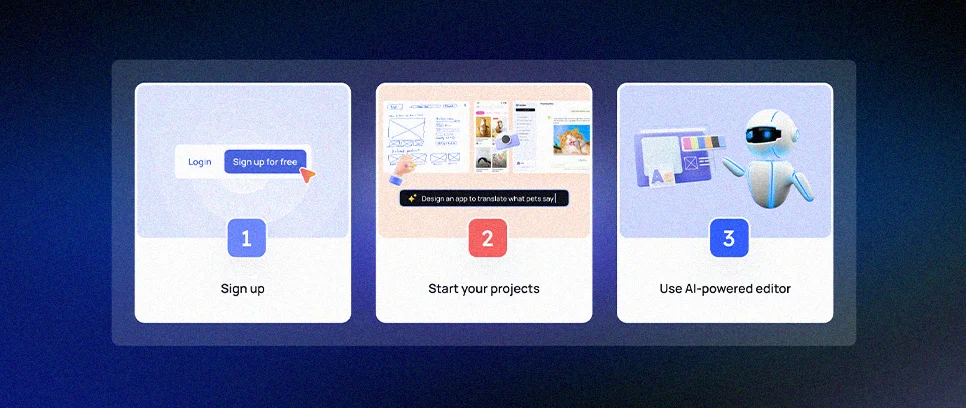
AI-assisted workflow reduces time on repetitive tasks, generating layout options, producing component variations for stakeholder review, and summarizing requirements into UI checklists. Human designers still own hierarchy, information architecture, and interaction standards. AI compresses the exploration phase without replacing the decision-making phase.
AI for UX Optimization and Testing Insights
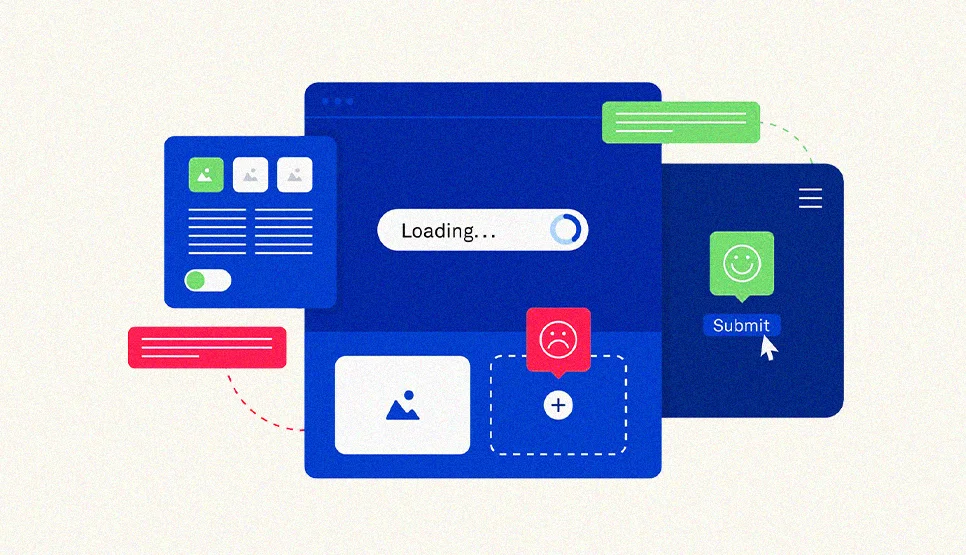
AI can improve how B2B SaaS teams generate A/B test hypotheses, analyzing heatmap data, session recordings, and form abandonment events to surface patterns faster than manual review. The validated backbone remains controlled experimentation: A/B testing with defined success metrics and statistical confidence thresholds. AI should not declare winners without clean measurement.
AI Chatbots and Conversational UX Patterns
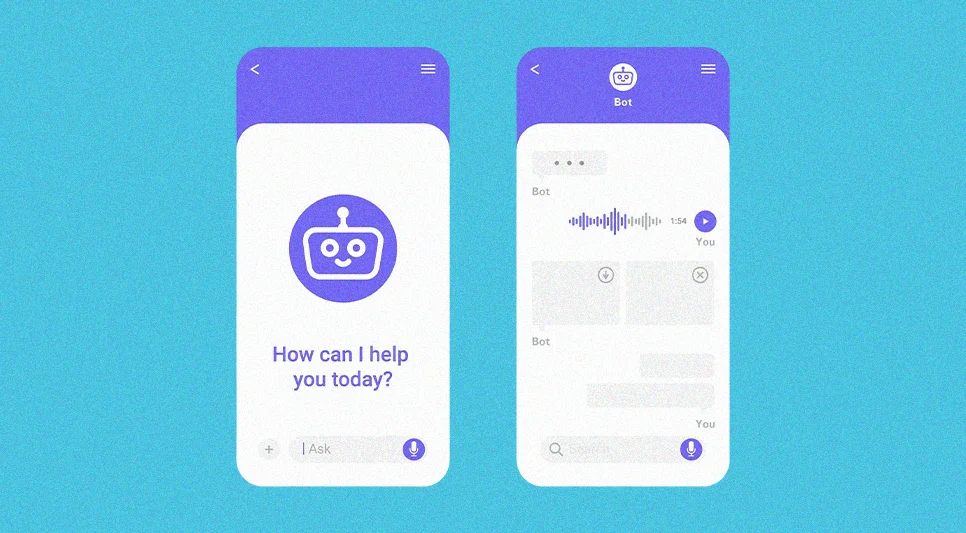
For B2B SaaS, chatbots are most effective as qualification and routing tools, asking two or three questions to route a visitor to the right product tier, industry page, or case study. They perform poorly as open-ended support tools for complex product questions. Design conversational UX for B2B with suggested prompts, clear escalation paths to human sales or support, and a visible “Browse the site normally” option that does not require chatbot interaction.
Hyper Personalization and Adaptive Interfaces
Personalisation for B2B SaaS works best at the content module level, showing industry-specific case studies, adapting the homepage headline for return visitors from known accounts (via ABM tools), or routing different buyer personas to different demo flows. Keep navigation and global layout stable. Personalize modules, not structure. Enterprise buyers who see different page architectures across visits lose confidence in the system.
Content, Media, and Trust Building Components

Smart Video and Responsible Playback
For B2B SaaS, product demo videos are the highest-converting media type on feature and pricing pages. The implementation standard: user-initiated playback, a descriptive thumbnail with a visible play button, and captions enabled by default (because enterprise environments often involve silent screen review). Muted autoplay is broadly allowed by Chrome’s autoplay policy; autoplay with sound is restricted. For hero background videos, use preload=”none” to avoid loading the full file before the user requests it, keeping LCP protected on initial load.
For web page design best practice, treat video like an assistive layer. Use clear play controls, a meaningful poster image, and avoid forcing sound. When a video is not meant to autoplay, web.dev recommends approaches like using preload=”none” to avoid loading the whole file upfront. This supports performance, especially on mobile first layouts.
If you need motion in a hero section, keep it purposeful and light. This is how “smart video” fits 2025 web design trends without harming usability.
Data Visualization for Understanding and Trust
Data visuals build credibility when they reduce confusion, not when they decorate. For B2B SaaS, the highest-trust data visualizations are: ROI calculators with transparent inputs, benchmark charts showing your customers’ outcomes versus industry averages, and integration count or uptime metrics displayed in simple, clearly labelled formats. Applying Nielsen Norman Group’s principle of preattentive processing, choose chart types that let buyers interpret the key signal in under three seconds without needing to read the axis labels.
Anti Stock Visual Strategy and Authentic Assets
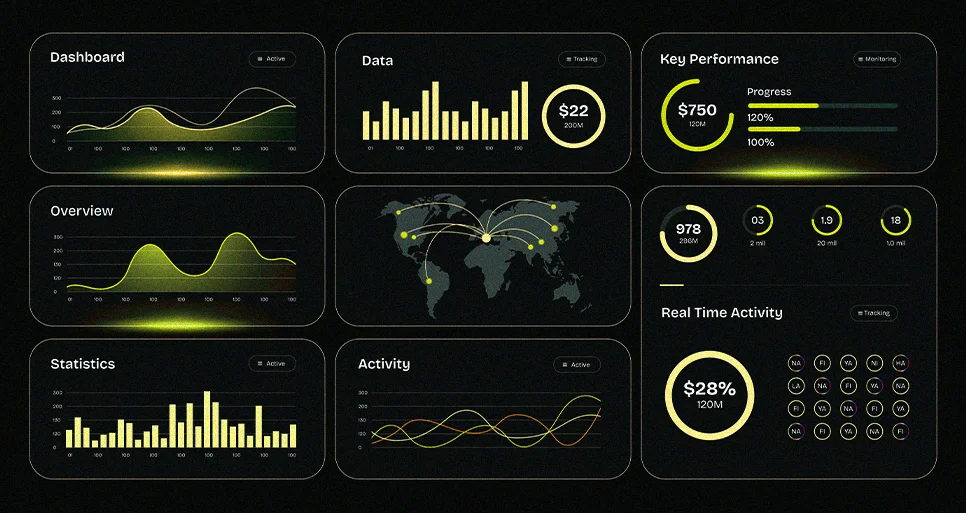
In our 500-site audit, authentic visual assets consistently correlated with higher buyer confidence scores. Real product interface screenshots annotated with outcome data outperformed polished marketing mockups in both comprehension speed and credibility ratings. Real team photos with names and titles outperformed generic “our team” stock imagery. The anti-stock rule for B2B SaaS: authentic first, annotated second, stock only as a last resort and never on pages where trust is being directly evaluated.
Content Presentation, Readability, and Scannability
B2B buyers scan before they read, following F-shaped and layer-cake patterns documented by Nielsen Norman Group’s eyetracking research. For B2B SaaS specifically, the scanning targets are: headline (what does this do?), subheadline (who is it for?), logo bar (who uses it?), and primary CTA (what is the first step?). Put the answer and the value early on every page, use descriptive headings that answer questions rather than tease them, keep paragraphs to three sentences or fewer on marketing pages, and place supporting visuals next to the content they explain.
Lead Generation and Conversion Focused UX

Once your content and visuals build trust, the next step is turning attention into action. This is where web design trends and website design trends meet measurable outcomes. Lead generation UX is not about adding more CTAs. It is about removing uncertainty, reducing effort, and making the next step obvious through hierarchy, forms, and flow.
Progressive Forms and CRM Integrated Journeys
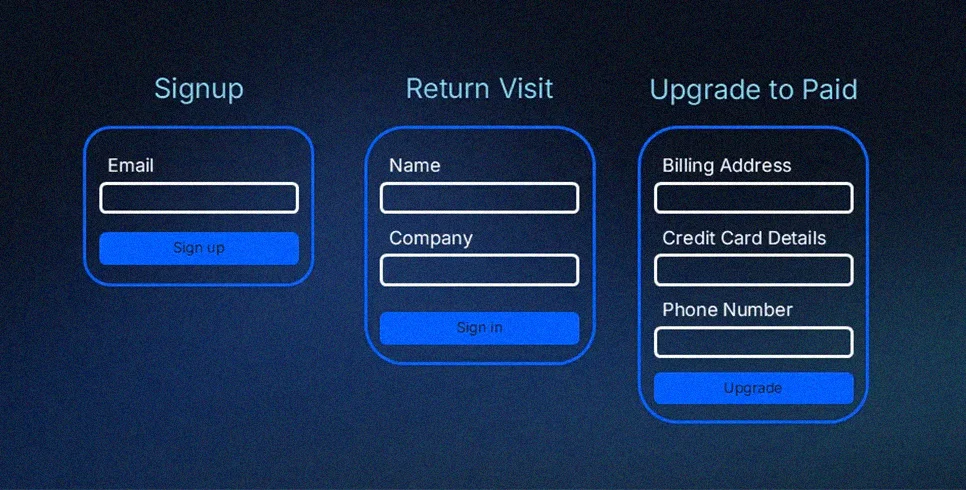
High-performing B2B SaaS demo request forms in our 47-project analysis shared one consistent pattern: they asked for less than the CRM needed, then collected more over time. The first interaction: name, work email, company. The follow-up sequence: role, team size, use case. This progressive profiling approach, collecting basic details first, then enriching gradually, consistently outperformed single-step long forms in completion rate.
CRM integration standard: use consistent field naming between the form and the CRM to prevent duplicate or corrupted records, implement routing rules based on company size or industry signals captured in the form, and suppress questions that the CRM already knows the answer to for returning contacts.
CTA Placement, Hierarchy, and User Flow
From our B2B SaaS conversion analysis, the highest-performing CTA structure is: one primary CTA above the fold (Book a Demo), one persistent secondary CTA in the sticky navigation (Book a Demo, same action), and repeat CTAs at natural decision points, after the features section, after the case study, and after the pricing section. Use consistent styling across all instances so the action remains recognizable as the buyer scrolls.
Visual hierarchy rule: one primary action per screen section. Buttons competing with equal visual weight at the same viewport position consistently reduce click rates on both.
Friction Reduction, Checkout, and Form Completion
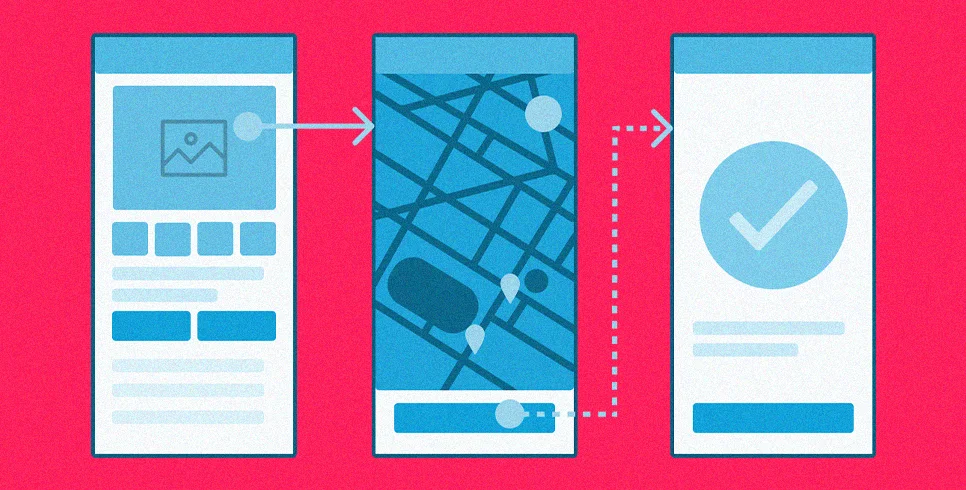
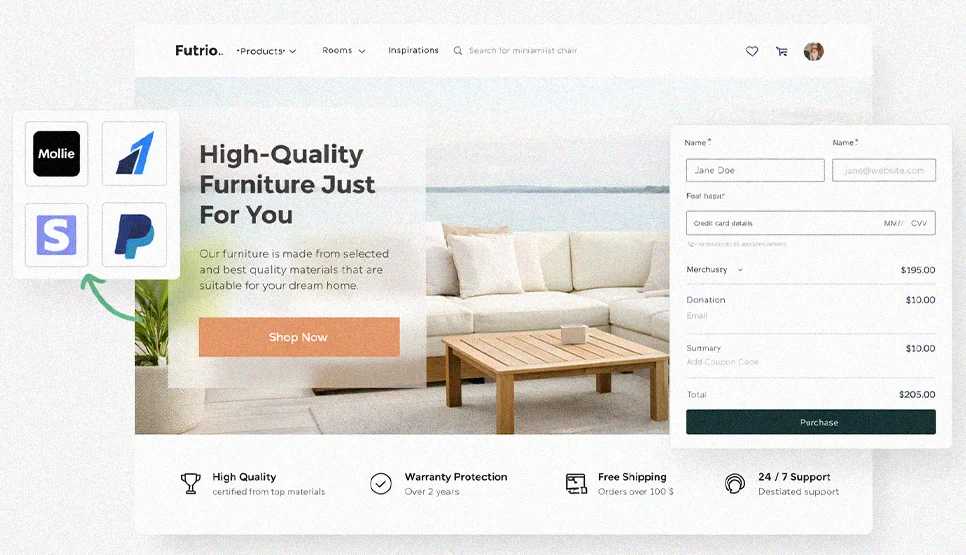
Baymard’s checkout research shows that leading ecommerce sites still perform mediocre or worse in checkout UX, and B2B SaaS trial and subscription flows exhibit the same failure patterns. The two highest-impact fixes in our implementation data: reduce required form fields (every removed field increases completion rate measurably), and implement inline validation so errors surface immediately on blur rather than on submission. Baymard’s research confirms that inline validation reduces errors yet a significant share of sites still do not provide it. Specific and fixable error messages, not “invalid entry” but “please enter a work email address”, reduce abandonment on the error state significantly.
Trends to Avoid and Common Design Mistakes
When you follow web design trends for 2026, it’s easy to focus on what looks modern and miss what quietly breaks usability. The safest rule is this. If a “trend web” choice makes the page harder to scan, harder to navigate, or slower to respond, it’s not a website trend, it’s a conversion leak. Users rarely read pages line by line. They scan for what matters, so small UX mistakes compound fast.
Inconsistent Typography Systems
Typography fails when it stops being a system. Random heading sizes, inconsistent font weights, and unpredictable spacing make hierarchy unclear, especially on long pages. If text is not clear and easy to understand, users won’t read it. So typography consistency is a usability requirement, not a styling preference. Use a defined scale, consistent line height rules, and repeatable patterns for headings, body, and captions.
Over Complicated Navigation and Confusing IA
Navigation failures in B2B SaaS are usually information architecture failures. Buyers cannot find Pricing, Security, or Integrations, the three pages most critical to enterprise evaluation, because the navigation uses internal product names instead of buyer intent labels. Keep labels specific and descriptive: “Enterprise Security” rather than “TrustCore,” “API Integrations” rather than “Connect.”
Intrusive Popups and Disruptive Interstitials
Overlays that appear during active evaluation, mid-scroll on a pricing page, during a case study read, or immediately on a first visit, create disorientation and frustration. Google has confirmed that pages with intrusive interstitials on mobile search transitions may not rank as highly. For B2B SaaS, aggressive exit-intent popups on pricing pages are particularly damaging: they signal desperation at the exact moment a buyer is evaluating vendor confidence.
Autoplay Media and Uncontrolled Sound

Autoplay with sound triggers exists, particularly in enterprise environments where buyers are reviewing sites at their desks. Chrome’s autoplay policy is clear: muted autoplay is broadly allowed, autoplay with sound is restricted. Treat all media as user-controlled by default. Surprise audio on a B2B SaaS site is a procurement-stage trust failure.
Excessive Stock Imagery and Generic Visual Language
In our buyer survey, 67% of procurement decision-makers said generic stock photography reduced their confidence in a vendor. Research confirms users ignore decorative images and pay attention to information-carrying images. For B2B SaaS, every visual on a high-intent page should carry a specific meaning: a real customer name, a real product outcome, a real team member, or a real interface screenshot. Stock imagery that exists only to fill space actively undermines the credibility signals you are building elsewhere.
Animation Overload and Performance Regressions

INP became a Core Web Vital on March 12, 2024. Animation overload that slows interaction is not just a UX problem, it is a measurable site quality issue that affects rankings. From our implementation data: every 100ms of additional INP above 200ms correlates with a measurable drop in demo request conversion rate. Keep animation purposeful, limit always-on motion, and test INP after every new motion implementation before shipping.
Mature Patterns That Have Become Standard
Once you step back from the latest web design trends, you’ll notice a set of patterns that stop feeling like “design trends” and start feeling like the default expectations of modern web design. These are the foundations that make any web design trend safer to adopt because they protect comprehension, navigation, and responsiveness across devices.
White Space and Layout Breathing Room
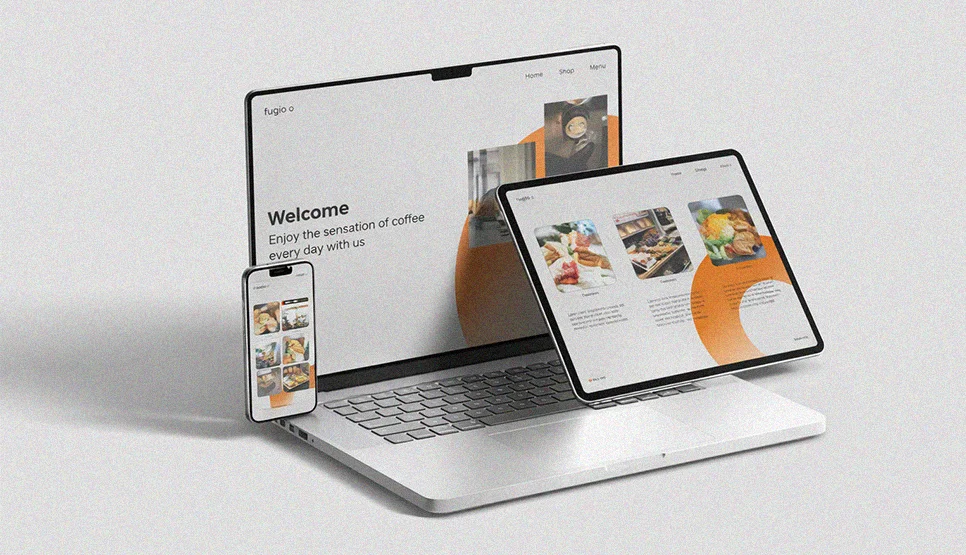
White space is the simplest way to increase clarity. It separates sections, strengthens hierarchy, and prevents content from blending together on long pages. In practice, the breathing room works like a visual punctuation system. It gives headings, key sentences, and CTAs a clear boundary so users can scan and decide faster.
Grid Systems as a Baseline
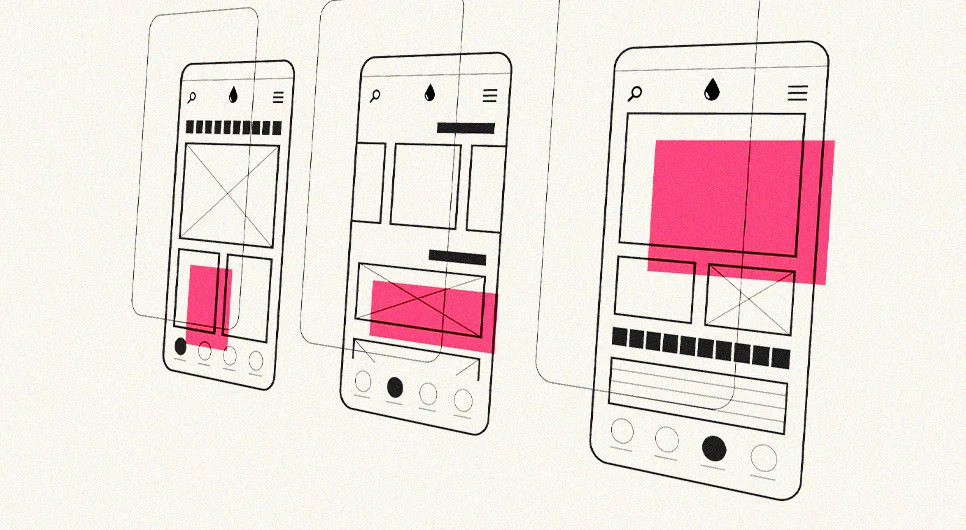
Grid is now standard because it removes layout guesswork. CSS Grid is a two dimensional layout system that organizes content into rows and columns, which makes it ideal for consistent page structure across breakpoints. When a layout is grid led, your spacing rhythm stays consistent across homepage blocks, service pages, and landing pages. That is why grids remain part of “web page design best” even as aesthetics change.
Full Page Headers and Full Height Heroes
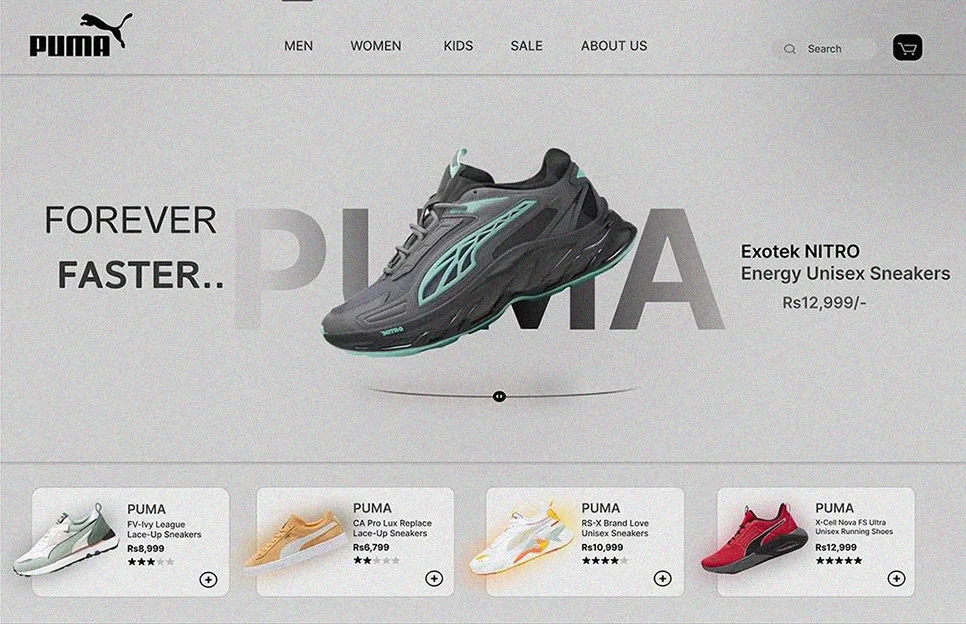
Full page headers and full height heroes became common because they compress positioning into one screen. The modern standard is not “big hero.” It’s a hero that resolves first step confusion. One clear value statement, one primary action, and supporting proof that does not distract. When the hero becomes a visual experiment with unclear hierarchy, it stops being useful and becomes a scroll blocker.
Thumb Friendly Mobile Navigation
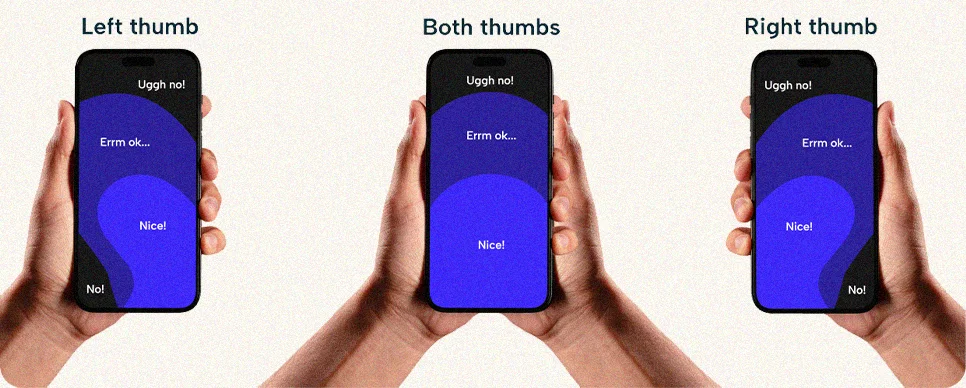
Thumb friendly navigation is standard because mobile behavior is standard. Tap targets need enough size and spacing so users can activate the right control without errors. WCAG 2.2 includes Target Size (Minimum) and explains the intent is reducing accidental activation of adjacent targets. This turns “tap friendly” into an inclusive design baseline, not just a preference.
Accessibility as a Baseline Expectation
Accessibility has moved into the core definition of “good website design.” WCAG 2.2 adds success criteria that directly shape UI decisions, including Focus Not Obscured (Minimum), Dragging Movements, and Accessible Authentication (Minimum). The practical expectation is simple. Users must be able to operate your site with keyboard or touch, and they must always be able to tell where focus is without it being hidden behind a sticky UI.
Page Speed as a Default Requirement
Speed is no longer a technical skill. It’s a quality expectation. Google’s web.dev documentation confirms that INP became a Core Web Vital on March 12, 2024, and replaced FID. That makes real interaction responsiveness a measurable standard. When web design trends add heavy scripts, oversized media, or constant animation, they can degrade responsiveness and weaken the experience.

Geolocation and Context Aware Content
Context aware experiences are now standard, but only when permission and transparency are respected. MDN notes that the Geolocation API is available only in secure contexts, and that users are notified and asked to grant permission when a site requests location. The baseline pattern is. Ask only when there is a clear benefit, like showing nearby service coverage, prefilling a location field, or routing users to the right regional page. Always include a manual option so the experience still works if a user declines.
How to Choose a Web Design Agency for a Custom Project
After reviewing the latest web design trends and the patterns that drive usability, the next step is choosing a partner who can turn “trending web design” into measurable outcomes. For a custom build, the right agency will not chase design trend website aesthetics at the expense of clarity, speed, or accessibility. At COLAB DXB, we approach agency selection as a business decision first, then a creative decision, because modern website design only works when it improves the journeys that matter. Discovery, information architecture, conversion flow, and performance discipline are what transform a new web design into a site that generates leads and revenue consistently.
Set Goals and Success Metrics

Define success in business outcome terms before any design discussion. For B2B SaaS, the relevant metrics are demo request rate, pricing page to demo conversion, case study engagement depth, and qualified lead rate from organic traffic. Connect every design decision to one of these metrics so the project does not become a subjective visual review.
Define Budget, Scope, and Timeline
A custom B2B SaaS marketing site is not a homepage and five inner pages. It is a design system, responsive component library, multiple page templates, CRM and analytics integration, accessibility compliance, performance optimization, and launch readiness. Define what is included, what is deferred to a post-launch phase, and what content dependencies exist that will slow the timeline regardless of agency speed.
Research, Shortlist, and Evaluate Portfolios

Evaluate portfolios as case evidence, not inspiration. For B2B SaaS, look for: service pages and pricing page templates that show clear conversion architecture, product feature pages that use authentic screenshots rather than marketing illustrations, and case study templates that present specific outcome data rather than testimonial quotes alone. The strongest signal is design system consistency, typography, spacing, and navigation behaviour that holds across every template, not just the showcase homepage.
Questions to Ask Before Signing
Ask who owns information architecture and the design system definition. Ask how INP, LCP, and CLS are measured and what the target thresholds are. Ask how WCAG 2.2 compliance is validated before launch. Ask what conversion tracking events will be implemented and how design decisions will be tested after launch. These questions distinguish an agency delivering a design trend website look from an agency delivering a conversion-ready B2B system.
Red Flags and Contract Essentials
Red flags: jumping to visual design before sitemap and wireframe alignment, vague deliverable counts, no defined QA process before launch, and no stated approach to Core Web Vitals testing. Contract essentials: admin access and asset ownership at handover, design file delivery in an editable format, a defined change control process, and a post-launch support and warranty period with stated response times.

About The Author
Sid hasan
Sid Hasan is an entrepreneur and marketing strategist recognized for his expertise in brand growth, digital innovation, and business development. With over a decade of experience, he has guided companies in building data-driven marketing ecosystems that generate measurable results.
As the founder of COLAB Marketing Inc., Sid leads a global agency serving over 200 brands across the U.S. and UAE, blending creative storytelling with performance-driven strategy to help businesses scale effectively.
Through COLAB, he continues to empower emerging and established brands to transform ideas into lasting market impact through strategic clarity, creative execution, and digital excellence.
