
What Is a Mobile App Development Platform?
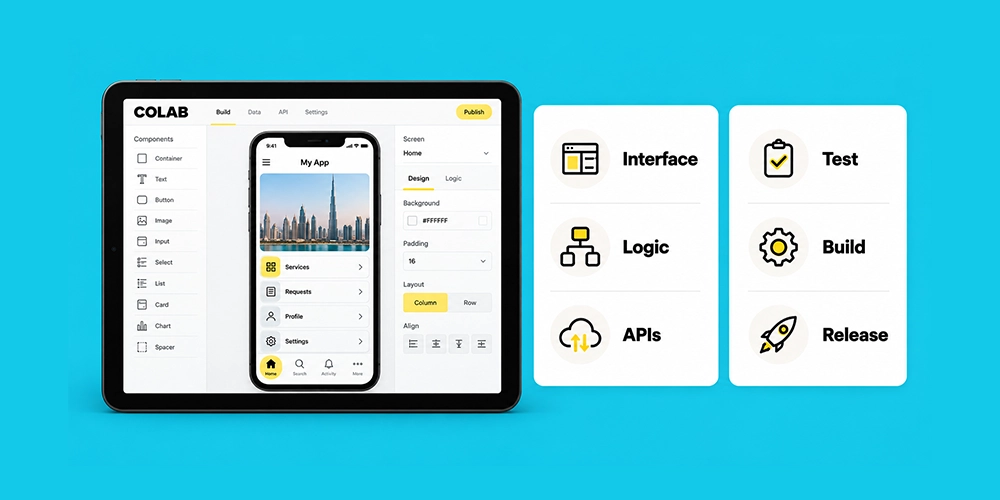
A mobile application development platform is the set of frameworks, tools, services, and workflows used to build, test, release, and maintain a mobile application. Some products cover a narrow part of that process. Others cover several layers.
This distinction matters because many comparisons place Flutter, Xcode, Firebase, low-code builders, and testing services in the same ranking. They are not direct substitutes.
A framework such as Flutter or React Native shapes how the application UI and client-side logic are written. Xcode and Android Studio are development environments. Firebase and AWS Amplify provide backend services. FlutterFlow, OutSystems, and Mendix sit in the low-code category. A real mobile delivery stack can include several of these at once.
A useful platform comparison starts by separating front-end frameworks, native toolchains, low-code platforms, backend services, testing, and release infrastructure. That makes it much easier to compare like with like.
Native vs Cross-Platform vs Low-Code App Development
The choice between native, cross-platform, and low-code development changes how much code is shared, how deeply the app can use OS-specific features, and how the team handles releases later.
Native Development
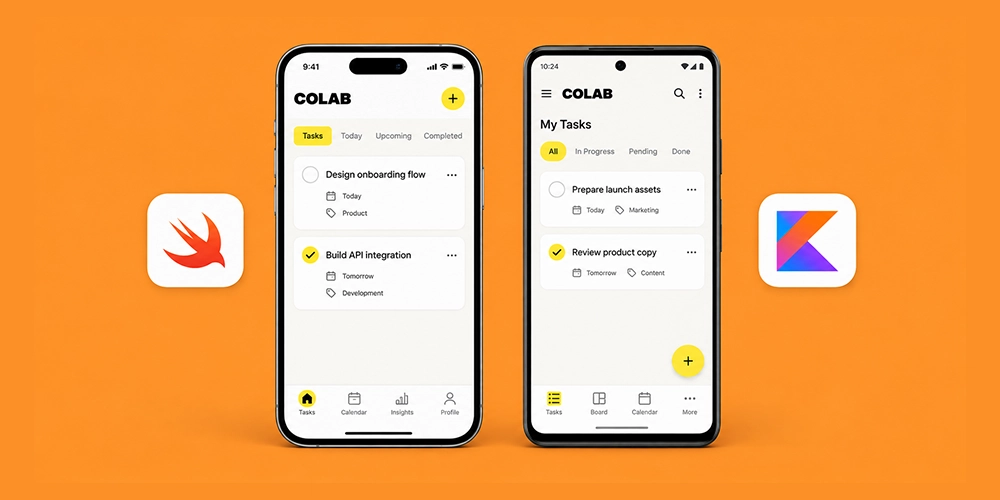
Native mobile app development uses the primary tools and languages for each operating system. On iOS, that usually means Swift, SwiftUI, and Xcode. On Android, it usually means Kotlin, Jetpack Compose, and Android Studio.
Native development gives teams direct access to platform APIs and the least abstraction between the app and the operating system. The tradeoff is that iOS and Android often require separate implementation work, separate specialists, or both.
Cross-Platform Development
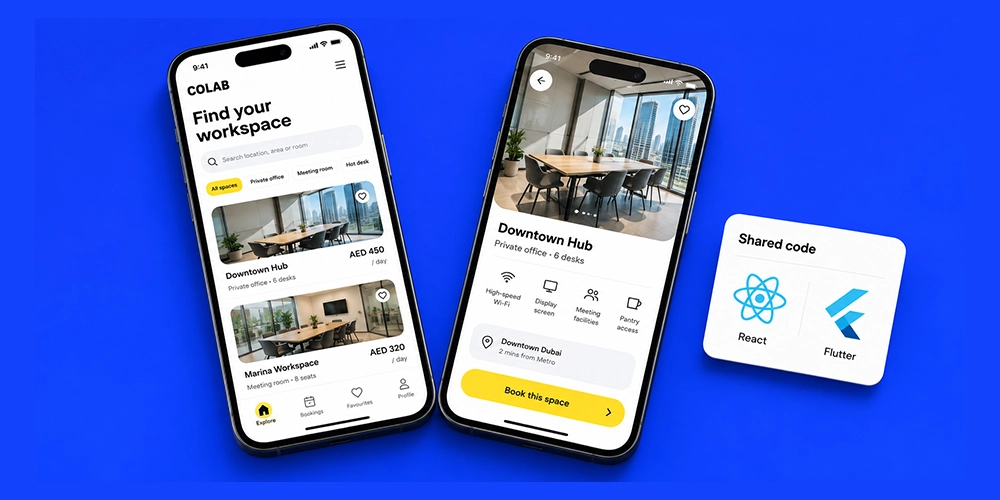
Cross-platform mobile app development shares some or most application code across iOS and Android. Flutter shares the application UI and logic through Dart. React Native uses React and JavaScript or TypeScript while rendering native components. Kotlin Multiplatform lets teams decide how much to share, from business logic only to shared UI with Compose Multiplatform.
That last point is important. Cross-platform development is no longer one architecture. Two teams can both say they are building a multi-platform mobile application and still use very different sharing models.
Low-Code Development
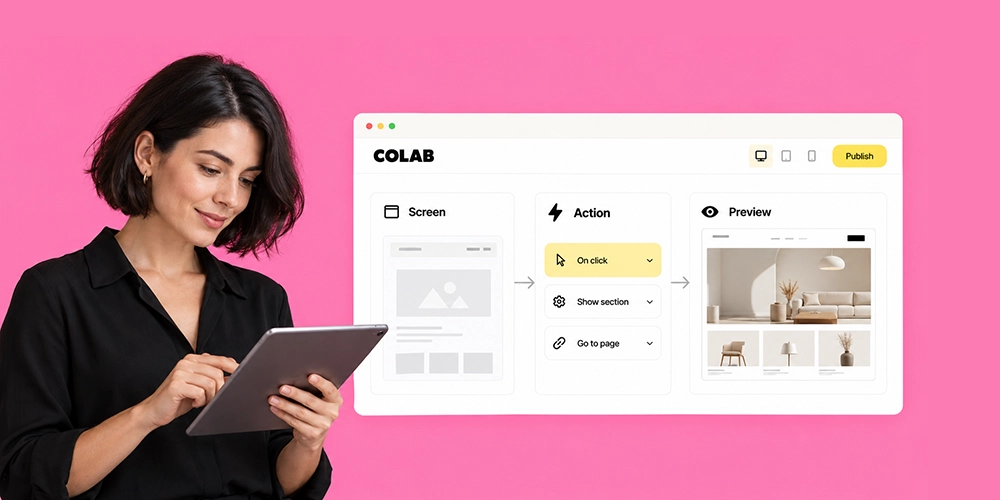
No-code and low-code platforms reduce the amount of hand-written application code. They can be useful for prototypes, internal workflows, forms, straightforward customer apps, and teams with limited engineering capacity.
The speed is attractive. The harder questions appear later. Can the team export code? Can developers add a custom native SDK? Can the app support an unusual offline workflow? What happens if pricing changes or a required feature falls outside the platform’s supported components?
| Requirement | Native | Cross-platform | Low-code |
|---|---|---|---|
| Direct OS and hardware access | Excellent | Good to excellent | Varies |
| Fast MVP delivery | Moderate | Strong | Strong |
| Shared iOS and Android team | Limited | Strong | Strong |
| Highly custom native behavior | Excellent | Varies by framework | Often limited |
| Long-term control | Excellent | Strong | Platform-dependent |
| Simple business workflows | Good | Strong | Strong |
Choose the development model before choosing the brand name of a tool. That one decision removes a large amount of noise from the shortlist.
Best Mobile App Development Platforms for iOS & Android
The following platforms cover the strongest current options for teams building iOS and Android products. They are not ranked by popularity alone. Each one solves a different delivery problem.
| Platform | Type | Main language | iOS | Android | Best fit |
|---|---|---|---|---|---|
| Flutter | Cross-platform | Dart | Yes | Yes | Shared UI and product consistency |
| React Native + Expo | Cross-platform | TypeScript / JavaScript | Yes | Yes | React teams and fast product delivery |
| Kotlin Multiplatform | Cross-platform | Kotlin | Yes | Yes | Shared Kotlin with native flexibility |
| Swift + SwiftUI | Native | Swift | Yes | No | Native Apple apps |
| Kotlin + Jetpack Compose | Native | Kotlin | No | Yes | Native Android apps |
| .NET MAUI | Cross-platform | C# | Yes | Yes | Microsoft-centric teams |
| Ionic + Capacitor | Hybrid | HTML / CSS / JavaScript | Yes | Yes | Web-first teams |
| FlutterFlow | Low-code | Visual + Flutter | Yes | Yes | MVPs and visual development |
| OutSystems | Enterprise low-code | Visual / platform tools | Yes | Yes | Governed enterprise apps |
| Mendix | Enterprise low-code | Visual / platform tools | Yes | Yes | Enterprise workflows and internal products |
1. Flutter
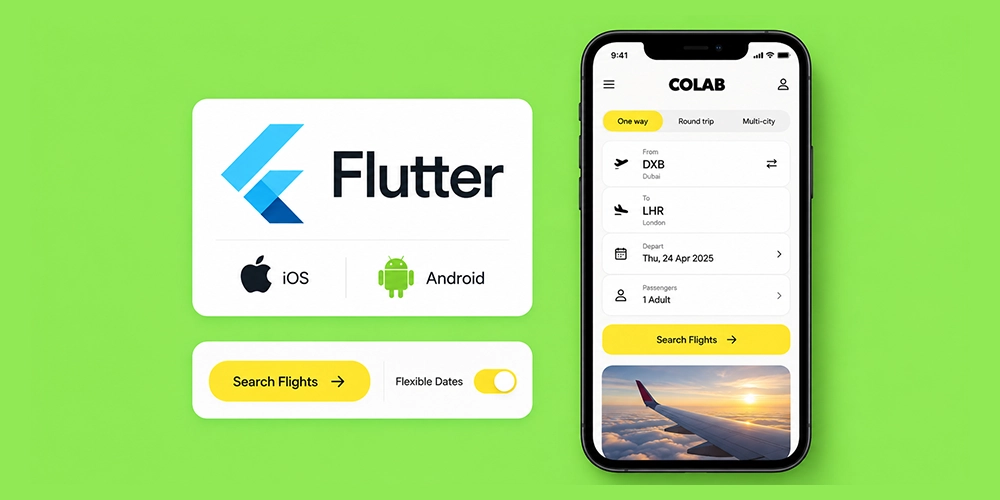
Flutter remains one of the best cross-platform mobile development options for teams that want a highly shared codebase and consistent interface across iOS and Android. Flutter app development uses Dart and a widget-based UI system that gives developers direct control over how the application is drawn.
The strongest fit is a product where visual consistency matters and the team wants one main implementation for both operating systems. Consumer apps, marketplaces, customer portals, booking products, and many startup products fit that profile.
Flutter can still call native iOS and Android APIs when needed. That matters because a real production app eventually touches camera permissions, background tasks, biometrics, maps, payments, notifications, or third-party SDKs.
The tradeoff is that the app is built around Flutter’s UI model. Teams that require platform-specific UI behavior on almost every screen may get less value from sharing the interface.
Flutter 3.47 became available on August 12, 2026, which is another reason that evaluation should record the actual framework version used during technical validation.
Best fit: Teams that want a shared UI, consistent branding, strong cross-platform coverage, and one primary application codebase.
2. React Native + Expo
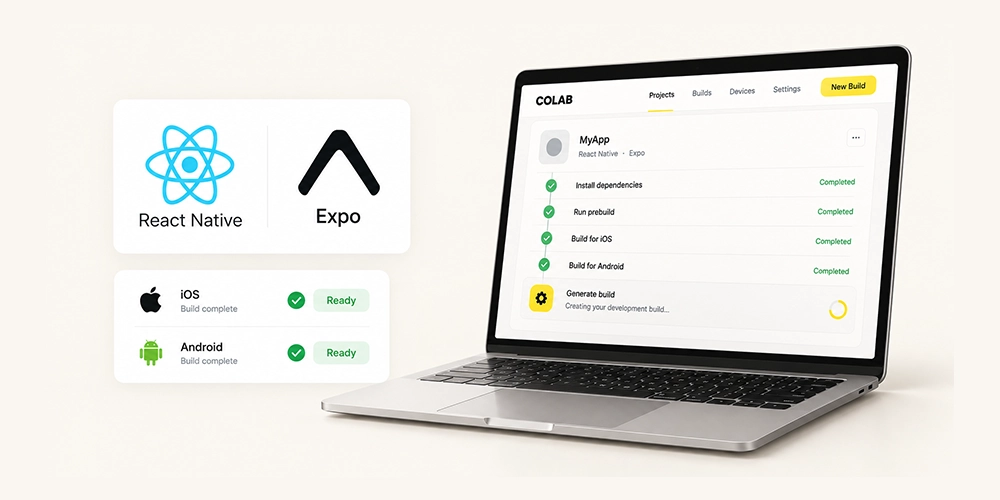
React Native is a strong mobile app development platform for teams that already work with React, JavaScript, or TypeScript. React Native app development lets developers build iOS and Android applications with React while using native platform components and native modules where required.
Expo deserves to be evaluated separately rather than treated as a footnote. It adds a managed layer for development builds, native configuration, app services, and release workflows. For many teams, the day-to-day experience of React Native with Expo is materially different from a bare React Native project.
As of August 2026, React Native 0.87 is the latest stable React Native release. It makes the Strict TypeScript API the default and raises core toolchain requirements to Node.js 22, Android Gradle Plugin 9, and Kotlin 2.0 or newer.
Stable Expo SDK 57 currently targets React Native 0.86. React Native 0.87 is available through Expo canary releases rather than the current stable Expo SDK. That version gap is exactly the kind of detail teams should check before committing to a framework upgrade.
Best fit: React and TypeScript teams, web product teams adding mobile, and businesses that value a large JavaScript ecosystem.
3. Kotlin Multiplatform + Compose Multiplatform
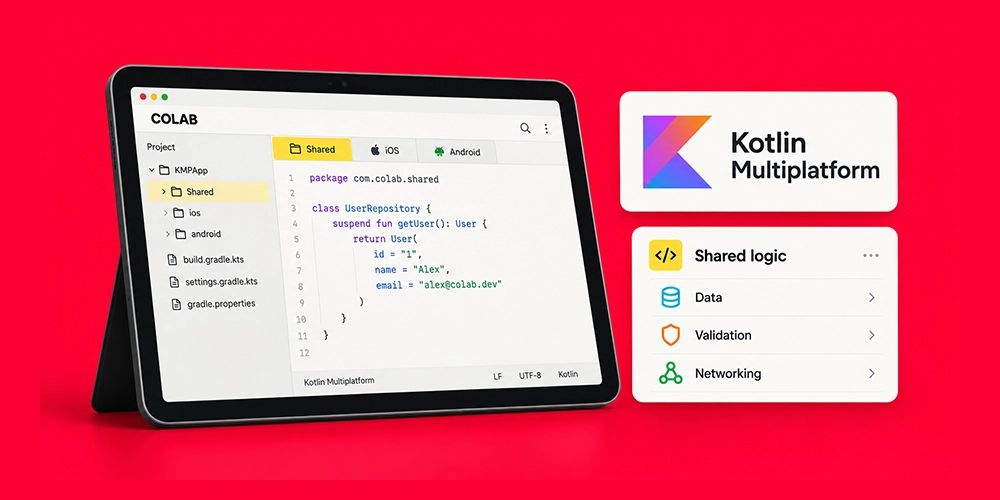
Kotlin Multiplatform has become much harder to dismiss as an experimental option. JetBrains lists both Android and iOS as stable targets for Kotlin Multiplatform. Compose Multiplatform is also stable for Android and iOS.
The architecture is attractive because teams can choose what to share. One product might share networking, data models, validation, and business rules while keeping a SwiftUI interface on iOS and Jetpack Compose on Android. Another might share both logic and UI with Compose Multiplatform.
That flexibility makes KMP especially relevant for companies with a strong Android or Kotlin team, or an existing Android product that needs an iOS version without rebuilding every layer from zero.
There is still native work. iOS builds require macOS and Xcode, and platform-specific APIs can still require platform-specific code. JetBrains also documents minimum tooling and platform requirements that should be checked as part of the project setup.
Best fit: Kotlin teams, existing Android products, and companies that want shared logic without giving up native access.
4. Swift + SwiftUI + Xcode
For native iOS development, Swift with SwiftUI and Xcode remains the clearest route. This stack gives developers direct access to Apple’s SDKs, interface frameworks, testing tools, signing process, performance tools, and new OS capabilities.
Native iOS makes sense when Apple-specific behavior is central to the product. Examples include deep integrations with Apple frameworks, advanced background behavior, demanding media workflows, or interfaces that intentionally follow iOS conventions in fine detail.
The cost is duplication if Android is equally important. A separate Android application still needs to be built and maintained.
Best fit: iPhone-first products and applications where Apple-specific APIs or platform fidelity matter more than code sharing.
5. Kotlin + Jetpack Compose + Android Studio
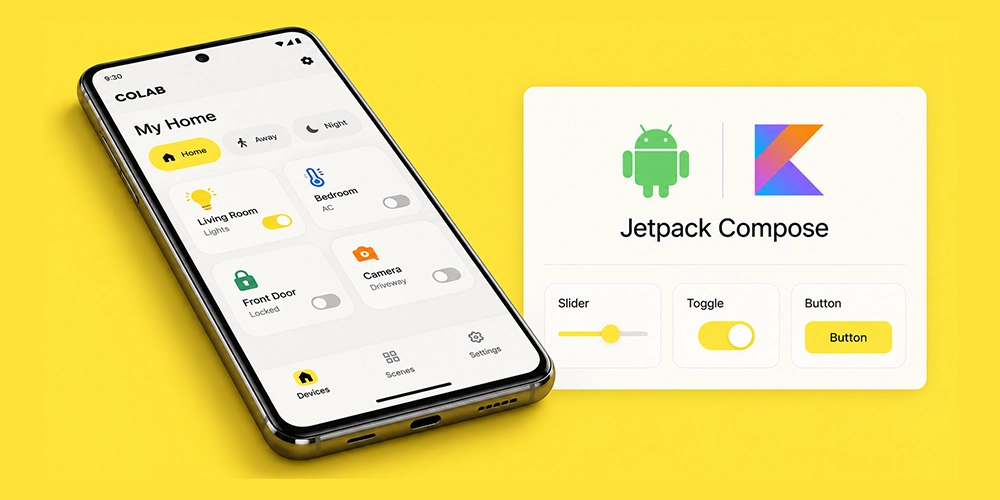
Kotlin and Jetpack Compose are the natural native stack for Android. Android Studio provides the main environment for coding, emulation, profiling, debugging, and Android SDK integration.
This route is strong for applications that need deep Android control, broad device support, background processing, hardware integration, or Android-specific UI behavior. It also removes a layer of framework abstraction, which can simplify debugging for certain platform-level problems.
For a company targeting both systems, native Android still means maintaining a separate iOS implementation. That cost can be justified when the product needs close control over both operating systems.
Best fit: Android-first products, hardware-heavy apps, and teams that already have deep Kotlin expertise.
6. .NET MAUI
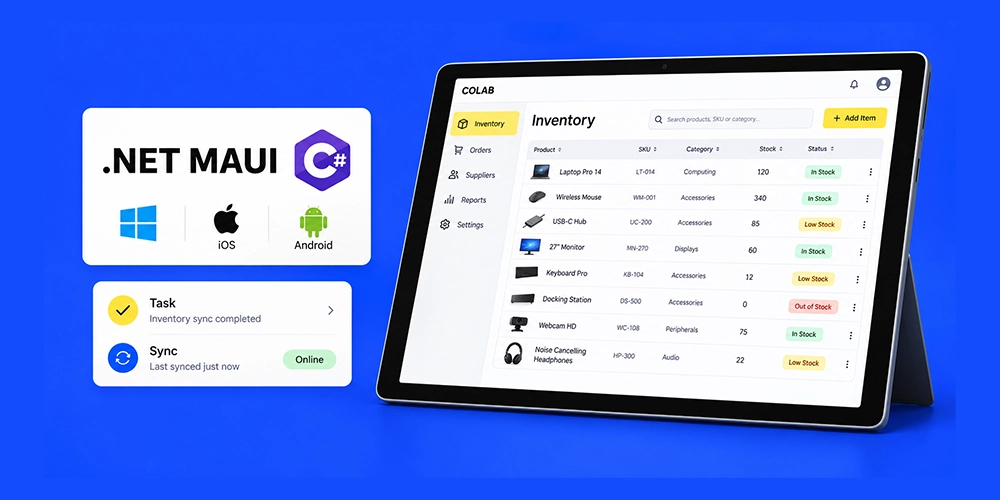
.NET MAUI is the current Microsoft option for building cross-platform applications with C# and .NET across Android, iOS, macOS, and Windows. It makes the most sense inside organizations that already use Microsoft development tools, C#, Azure, or shared .NET libraries.
A key point is what should not be selected. Xamarin support ended on May 1, 2024, and Microsoft recommends moving Xamarin projects to .NET MAUI.
Teams should also account for release support. Microsoft notes that .NET MAUI’s support policy differs from the broader .NET policy because MAUI depends on external toolchains such as Xcode and Android SDK tools.
Best fit: Organizations with established C# and Microsoft engineering teams that want mobile code sharing.
7. Ionic + Capacitor
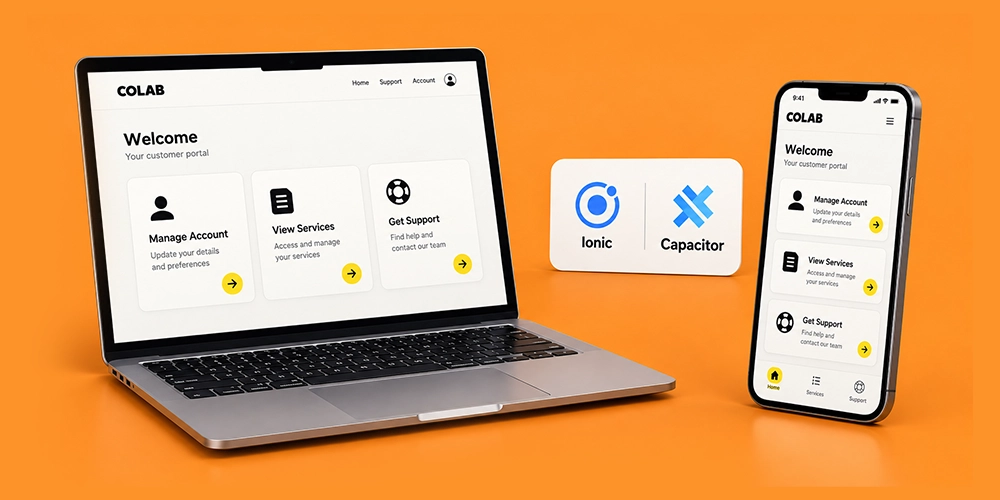
Ionic is a practical option for web teams that want to reuse HTML, CSS, and JavaScript skills in a mobile application. Capacitor provides the native runtime layer and access to device APIs.
This model can work well for content-heavy products, business tools, customer portals, and apps whose interaction model already maps closely to web technologies. It can also reduce the learning curve for a front-end team moving from web mobile app development into App Store and Google Play delivery.
The limitations become more visible in applications with demanding animation, advanced graphics, heavy background processing, or unusual hardware behavior. Those cases need proof-of-concept testing before the framework is selected.
Best fit: Web-first teams and applications with standard device integrations and business-oriented interfaces.
8. FlutterFlow
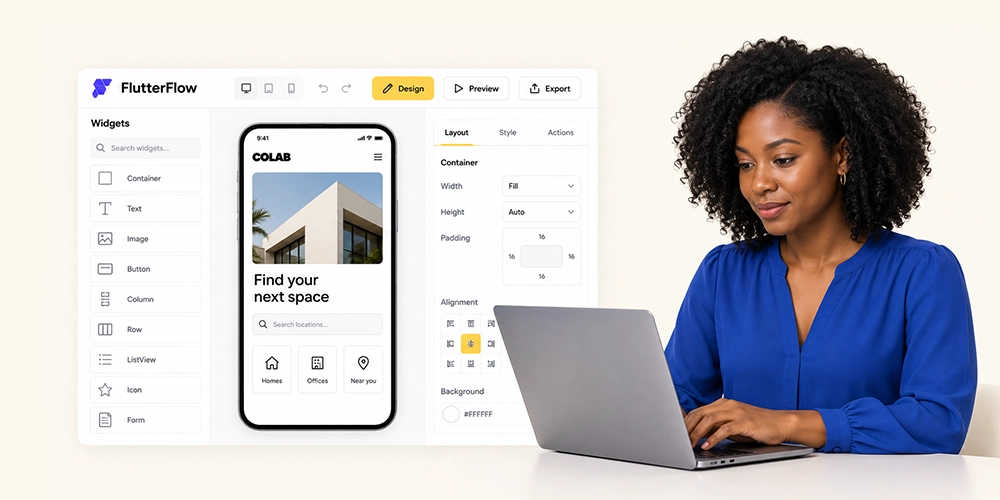
FlutterFlow sits in a different category from Flutter itself. It is a visual development platform that generates Flutter applications and is commonly considered by teams looking for no-code or low-code mobile app development.
Its strongest value is speed during prototyping and straightforward application delivery. A founder or product team can build screens and workflows without starting every component from hand-written code.
The important question is what happens after the prototype succeeds. Custom native requirements, unusual architecture, advanced testing, and long-term engineering ownership should be reviewed before using any visual builder as the base of a large product.
Best fit: MVPs, proof-of-concept products, and teams that need visual development with a path into the Flutter ecosystem.
9. OutSystems
OutSystems targets enterprise low-code development. It is better evaluated as an application delivery and governance platform than as a direct alternative to Flutter or React Native.
The appeal is centralized development, integrations, governance, and enterprise workflows. A large organization may care more about internal standards, access control, auditability, and delivery consistency than about selecting a consumer-oriented UI framework.
The main tradeoff is platform dependency. Licensing, deployment choices, specialist skills, and the cost of moving away from the platform should all be part of the commercial review.
Best fit: Larger organizations building governed internal or customer-facing business applications.
10. Mendix
Mendix is another enterprise low-code platform built around visual development and application lifecycle management. It is often more relevant to internal systems, operational applications, and business workflows than to a highly custom consumer product.
For the right organization, the value is speed plus governance. For the wrong product, the platform can place limits around custom behavior or create a long-term dependency that a conventional code stack would avoid.
Best fit: Enterprise workflow apps, internal tools, and organizations with an established low-code operating model.
What About Firebase, AWS Amplify, and Backend Platforms?
Firebase, AWS Amplify, Supabase, and similar services can be important parts of mobile app software development, but they are not substitutes for Flutter, React Native, Swift, or Kotlin.
A backend platform can provide authentication, databases, storage, cloud functions, analytics, push infrastructure, and API support. The mobile framework still determines how the application interface and client behavior are built.
For example, a Flutter application can use Firebase. A React Native app can use Firebase or AWS services. A native Swift app can connect to the same backend APIs as an Android Kotlin app.
Mobile App Development Platform Comparison
A feature checklist becomes more useful when it focuses on architectural differences rather than marketing claims.
| Platform | Shared code | Shared UI | Native API access | Team fit | Main risk |
|---|---|---|---|---|---|
| Flutter | High | High | Strong through plugins/native code | Dart or cross-platform team | Flutter-specific UI architecture |
| React Native + Expo | High | High | Strong through native modules | React/TypeScript team | Dependency and release alignment |
| Kotlin Multiplatform | Configurable | Optional | Strong | Kotlin/native team | More architectural choices to manage |
| Swift + SwiftUI | iOS only | iOS only | Direct | Apple specialists | Separate Android build |
| Kotlin + Compose | Android only | Android only | Direct | Android specialists | Separate iOS build |
| .NET MAUI | High | High | Available through platform APIs | C#/.NET team | Toolchain and ecosystem fit |
| Ionic + Capacitor | High | High | Plugin/native bridge | Web team | Limits for demanding native behavior |
| Low-code platforms | High within platform | Platform-managed | Varies | Business and enterprise teams | Lock-in and custom limits |
No table can tell you whether a framework will support the hardest part of your product. That requires a technical spike or proof of concept.
How to Choose the Right Mobile App Development Platform
The best platform for mobile app development is usually found by eliminating bad fits, not by awarding a universal winner.
Start With the Hardest Requirement
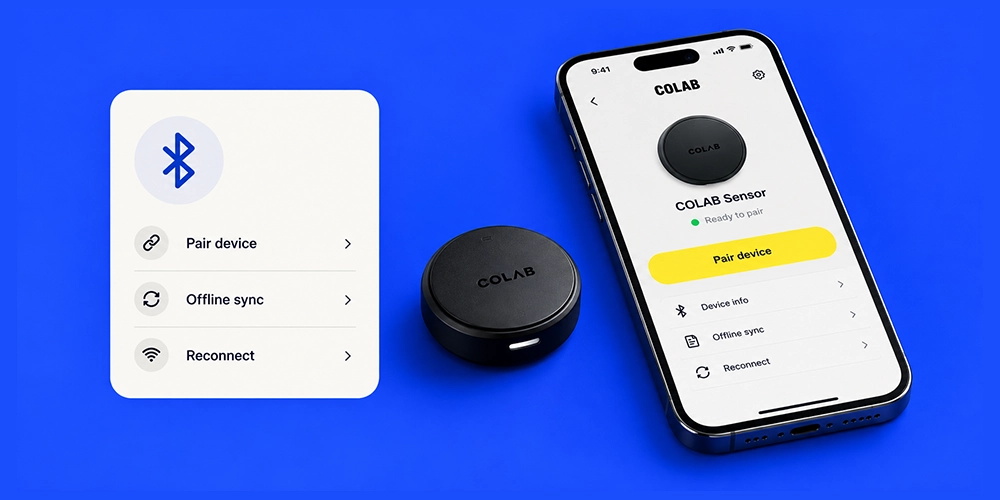
Do not start with the home screen. Start with the feature most likely to break the architecture.
If the product depends on Bluetooth Low Energy, background location, offline synchronization, camera processing, live audio, advanced maps, secure hardware, video editing, or a specific payment or identity SDK, test that first.
A framework that handles ten simple screens well but fails the one feature your business depends on is the wrong platform.
Decide How Much Code Should Be Shared
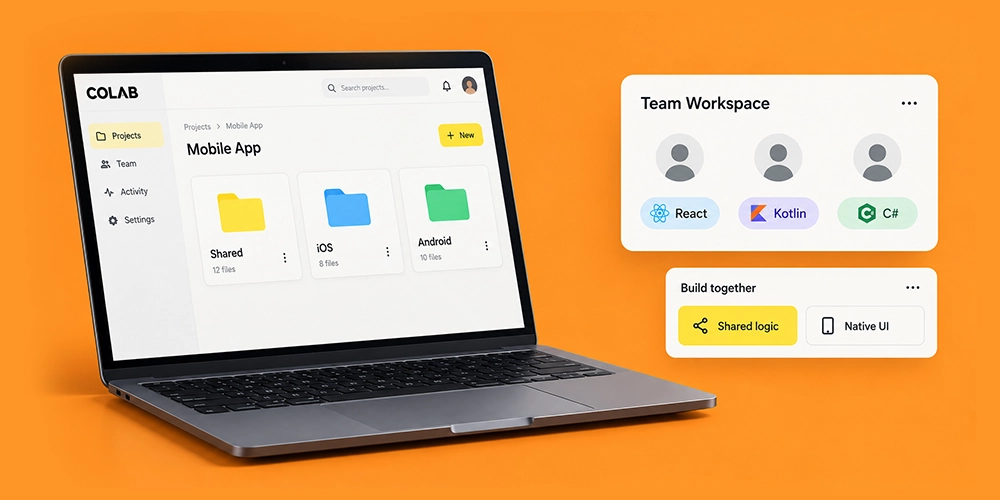
More shared code can reduce duplicate work, but 100 percent code sharing is not automatically the best target. Some teams are better served by sharing business logic while keeping native UI. Others get more value from one shared interface.
The right percentage depends on the product, not a sales claim.
Evaluate Performance on Real Devices
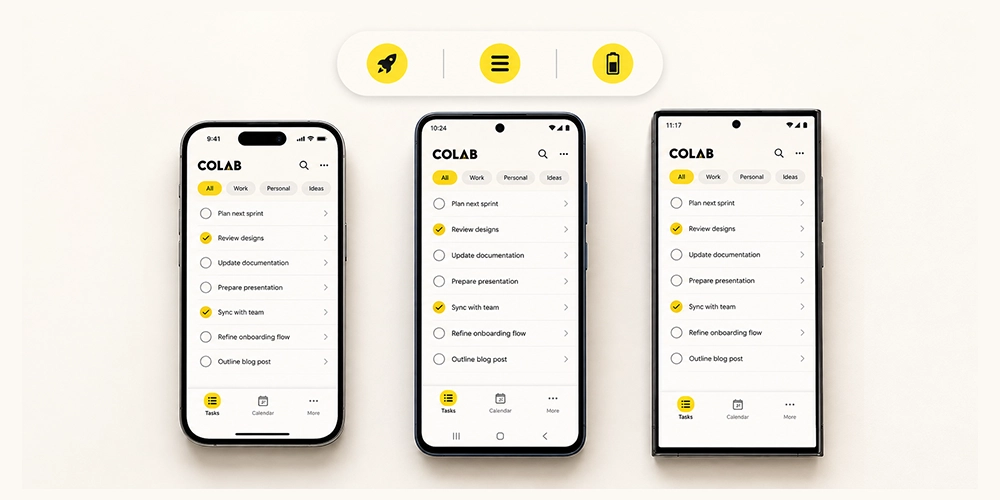
Simulator results are useful for development. They are not enough for platform selection.
Test cold start, memory, scrolling, battery behavior, network recovery, animation, background tasks, and the slowest devices in the expected user base. A mobile developer platform should be validated against the actual device mix, not one flagship phone on office Wi-Fi.
Validate Native SDK Support

List every third-party SDK the product requires before development begins. Include payments, analytics, customer support, attribution, maps, identity, biometrics, video, scanning, and enterprise security tools.
Then check whether the framework has a maintained integration. If it does not, estimate the Swift or Kotlin work required to build one.
Match the Platform to the Team
A technically strong framework can still be a poor business choice if the company cannot staff it. React Native has a natural advantage for existing React teams. KMP fits Kotlin-heavy teams. .NET MAUI is easier to justify in a C# organization.
Hiring should be considered with retention and senior expertise, not just the number of developers who list a framework on a profile.
Compare Time to First Release and Time to Release Twenty
Initial build speed gets most of the attention. Maintenance deserves more.
The real cost of an app development platform appears across OS updates, dependency upgrades, store policy changes, new SDK versions, regression testing, and feature work. A quick first release can become expensive if every update breaks plugins or requires significant native rework.
Calculate 24-Month Total Cost of Ownership
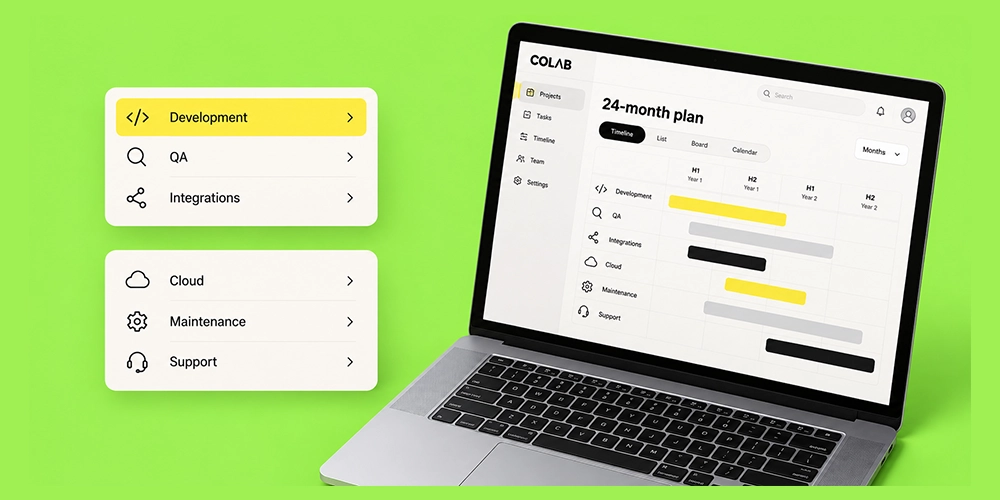
Compare more than development quotes. Include engineering, QA, native integration, CI/CD, app-store release work, framework upgrades, cloud services, monitoring, security work, developer hiring, and ongoing support.
The cheapest initial build is not automatically the lowest-cost mobile application development solution.
Check Framework and Dependency Health
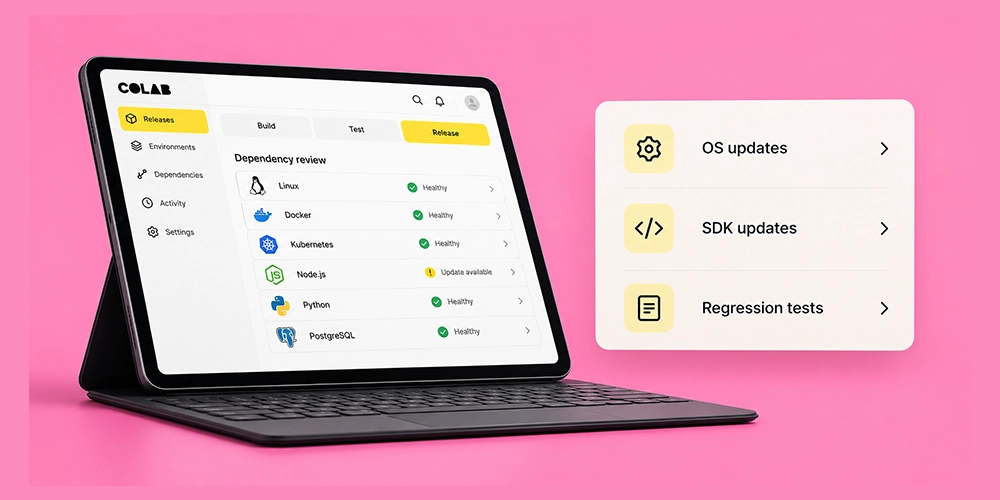
Look at release cadence, support policy, issue activity, plugin ownership, upgrade documentation, and the age of critical dependencies. React Native 0.87 and Flutter 3.47 both show why version tracking belongs in technical planning. A framework can be healthy while still creating upgrade work.
Review Security and Privacy Architecture
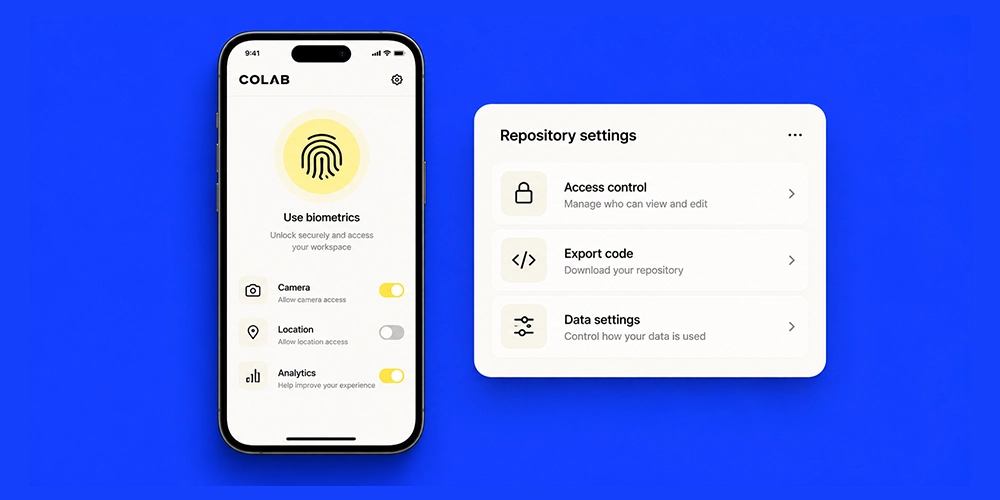
Framework choice affects implementation, but it does not make an app secure on its own. Authentication, authorization, API design, credential storage, encryption, telemetry, third-party SDKs, backend configuration, and operational controls all matter.
A platform review should include the full data flow from the device to backend systems and external providers.
Check Code Ownership and Vendor Dependency
This matters most for no-code platforms for mobile app development and enterprise low-code products. Confirm what can be exported, where the app can be hosted, who owns generated code, what happens after cancellation, and whether a conventional engineering team can maintain the product later.
Best Platform by App Type

A better question than “Which platform is best?” is “Which platform fits this product?”
| App type | Strong candidates | Why |
|---|---|---|
| Startup MVP | Flutter, React Native, FlutterFlow | Fast multi-platform delivery |
| Consumer marketplace | Flutter, React Native | Shared iOS and Android product work |
| Fintech | Native, Flutter, React Native, KMP | Choice depends on security and SDK requirements |
| Enterprise internal app | .NET MAUI, OutSystems, Mendix | Enterprise integration and governance |
| Existing Kotlin product | Kotlin Multiplatform | Reuse Kotlin skills and logic |
| JavaScript product team | React Native + Expo | Familiar language and React model |
| Hardware or BLE product | Native, KMP, validated cross-platform stack | Native integrations require early testing |
| Content-heavy business app | Ionic, React Native, Flutter | Standard workflows suit multiple stacks |
For fintech, healthcare, identity, and regulated products, the shortlist should stay open until required SDKs and security controls have been tested. For a straightforward marketplace or booking product, cross-platform development can reduce duplicate implementation without giving up the user experience the product needs.
What Changed in Mobile App Development Platforms?
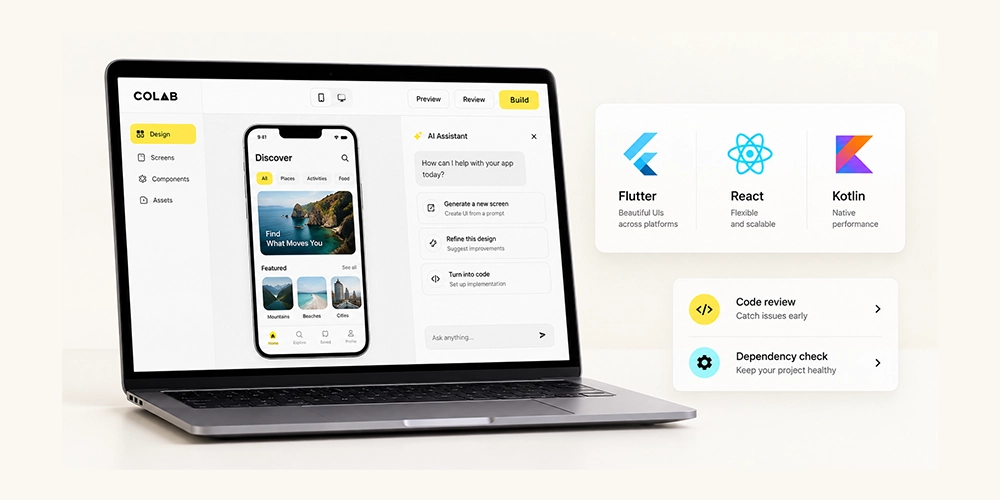
Several changes make older comparison articles less useful today.
Cross-Platform Is Now a Spectrum
Flutter, React Native, and Kotlin Multiplatform do not share code in the same way. KMP can share only logic or share UI as well. React Native keeps a close relationship with native components and native modules. Flutter uses its own UI framework.
That means teams should ask what should be shared rather than assuming every multi-platform app needs the maximum possible shared code.
Kotlin Multiplatform Is a Production Option
JetBrains now lists Android and iOS as stable Kotlin Multiplatform targets, with Compose Multiplatform stable on both mobile systems. That changes the shortlist for Kotlin teams and existing Android products.
React Native Platform Management Matters More
React Native 0.87 moved its Strict TypeScript API to the default and raised important toolchain minimums. Expo SDK 57 is still aligned to React Native 0.86 on its stable channel. Teams using React Native with Expo need to track both release lines rather than treating them as one version number.
Flutter Continues an Active Release Cycle
Flutter 3.47 was released in August 2026. Framework comparisons should record the date and version reviewed because plugin compatibility, migration work, platform support, and developer tooling can change between releases.
AI and Low-Code Tools Are Moving Earlier Into Product Development
AI-assisted builders and visual development platforms are useful for prototypes, internal tools, and standard application patterns. They do not remove the need to review architecture, data handling, store requirements, native integrations, code ownership, and maintainability.
The meaningful question is not whether AI can produce screens. It is whether the resulting product can be tested, secured, released, updated, and owned by the business for the expected lifespan of the app.
Choosing an iOS & Android Development Platform in Dubai and the UAE
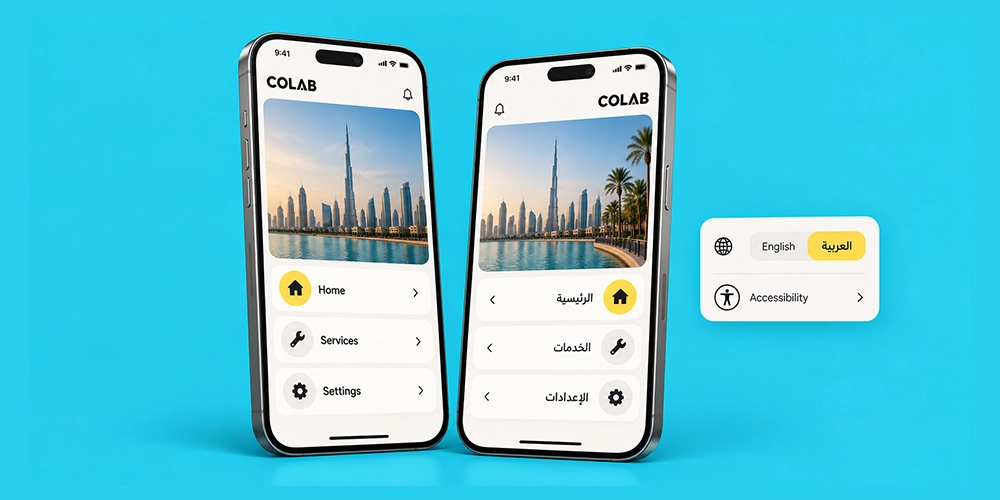
A global framework comparison misses several issues that matter in Dubai and the wider UAE.
Android Should Be Treated as a First-Class UAE Target
StatCounter’s July 2026 mobile and tablet web-usage data for the UAE reports Android at about 77.5 percent and iOS at about 22.5 percent. This is browser usage data, not installed-device or customer-spending share, so it should not be treated as a complete market-sizing measure. It does show why an Android test plan cannot be an afterthought for UAE apps.
A useful device matrix should include several Android manufacturers, screen sizes, memory levels, and OS versions alongside current iPhones.
Arabic Support Needs More Than RTL Mode
An app can technically support right-to-left layout and still feel broken in Arabic.
Teams should test mixed Arabic and English text, navigation mirroring, forms, validation messages, dates, currency, charts, icons, phone numbers, maps, and language switching. Long Arabic labels can expose layout problems that never appear in the English design.
For UAE products, Arabic quality should be part of framework validation, not a translation task left until the end.
UAE PASS Can Affect the Technical Shortlist
UAE PASS mobile integration includes a custom application URI scheme, OAuth 2.0 or OpenID Connect authentication, callbacks, WebView handling, and app-to-app redirection. The official integration requirements explicitly call out these mobile behaviors.
If UAE PASS is required, build a technical spike during platform selection. Confirm deep links, callback handling, staging and production configuration, and platform-specific behavior on both iOS and Android.
UAE Privacy Requirements Affect the Whole Architecture
Federal Decree-Law No. 45 of 2021 provides the UAE framework for personal data protection. The official UAE portal states that the law covers electronic processing of personal data inside or outside the country and sets controls around processing and consent, subject to stated exceptions.
The front-end framework is one part of that picture. Analytics SDKs, crash reporting, backend hosting, logs, identity services, consent flows, access controls, and third-party data sharing also need review.
Accessibility Belongs in the Mobile Requirements
The UAE National Digital Accessibility Policy covers digital products and services and includes technical guidance for accessible digital services. Its scope includes mobile apps used for public services.
For relevant projects, test screen-reader output, focus order, text scaling, contrast, form labels, touch target sizes, orientation, Arabic accessibility, and error states on real devices.
Benchmark the Same App Before You Commit
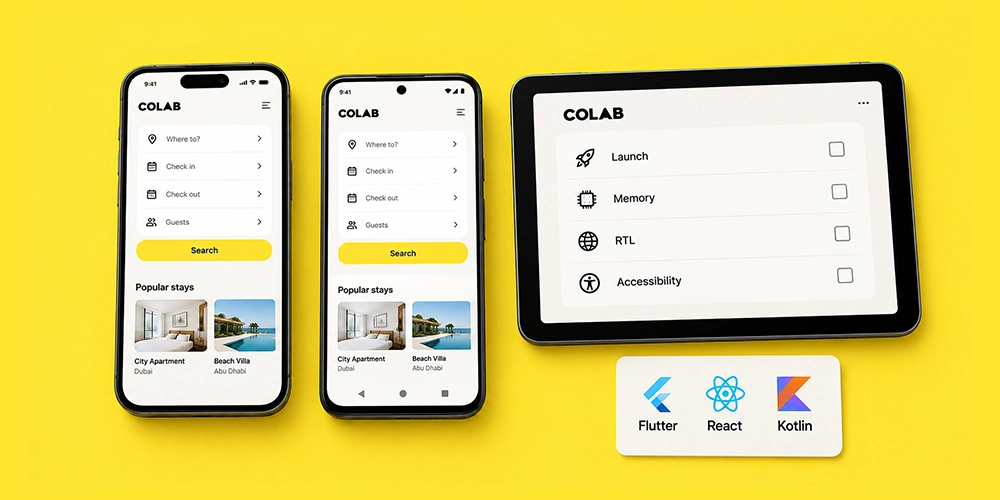
Platform comparison tables help create a shortlist. A small proof of concept is what turns that shortlist into evidence.
Build the same difficult slice of the product in the final two or three frameworks. Do not benchmark a login screen. Use features that expose architectural differences.
For a UAE-facing product, a useful test app could include bilingual login, Arabic and English switching, an RTL dashboard, a map, camera upload, push notification handling, offline data, analytics events, and a deep-link authentication flow.
Then measure the things that will affect delivery later.
| Test | Why it matters |
|---|---|
| Engineering hours | Shows real implementation effort |
| Shared code percentage | Tests the code-sharing assumption |
| Native Swift/Kotlin hours | Reveals hidden native work |
| Cold-start time | Shows launch behavior on real devices |
| Memory use | Helps identify device constraints |
| App size | Matters for distribution and updates |
| Build time | Affects developer and CI workflow |
| RTL defects | Tests Arabic readiness |
| Accessibility defects | Tests inclusive UX quality |
| Upgrade effort | Shows likely maintenance burden |
Do not publish invented benchmark numbers. If a company has not run the test, it is better to explain the method than to manufacture precision. Once real results exist, publish the device models, OS versions, framework versions, build mode, test conditions, and date so readers can judge the evidence.
How COLAB DXB Tests Mobile App Stacks
At COLAB DXB, we do not select Flutter, React Native, or native development from a feature comparison alone. During technical discovery, we test the part of the application most likely to create problems later.
For UAE-facing products, that can include Arabic and English switching, RTL layouts, authentication flows, push notifications, camera access, APIs, payments, maps, and device-specific behavior.
In one COLAB DXB cross-platform validation, 82% of the planned application layer was suitable for shared implementation, while 4 integrations required native platform work.
That finding matters because a framework may handle most of an application efficiently while still requiring Swift or Kotlin for critical features.
Our decision framework is:
hardest feature → working prototype → real-device testing → native work required → maintenance impact → platform decision
This is why we avoid recommending one framework for every client. The best stack is the one that survives the product’s hardest requirements before full development begins.
How Much Does Platform Choice Affect Development Cost?
The framework affects cost, but there is no defensible universal percentage that says Flutter, React Native, or KMP will always be cheaper than native development.
Initial development is only one line item. A realistic budget also includes product design, backend work, QA, device testing, native integrations, store release work, analytics, cloud services, security review, monitoring, framework upgrades, and support.
Native development can cost more when the same feature has to be implemented twice. Cross-platform development can reduce duplicate work, but savings shrink if the application needs many custom native modules. Low-code can make a simple product cheaper to launch, then become expensive if the business later needs features outside the platform’s supported model.
The most useful comparison is a 24-month total cost of ownership based on the actual app scope.
A strong estimate should separate first-release cost from ongoing maintenance, major SDK updates, QA across iOS and Android, cloud usage, and developer staffing. That produces a much clearer commercial decision than comparing hourly rates alone.
Which Mobile App Development Platform Should You Choose?
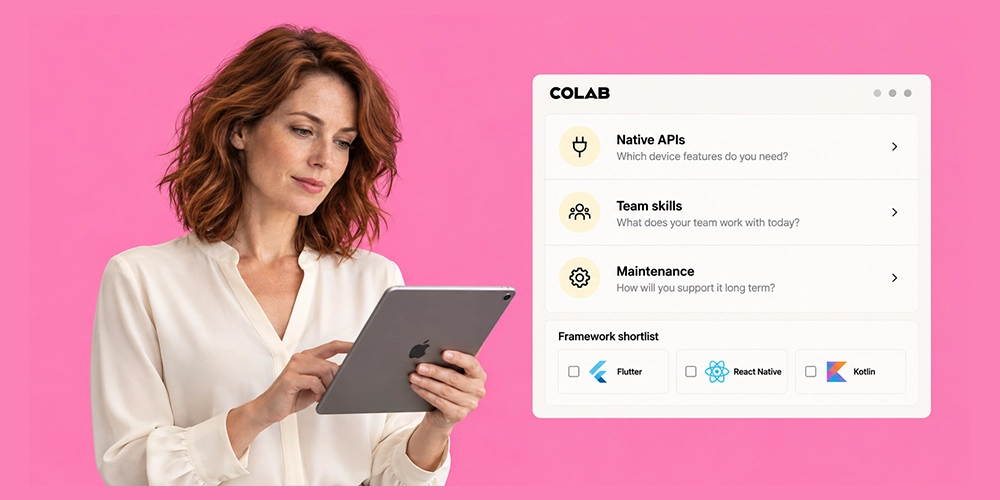
Choose Flutter if you want a highly shared cross-platform product with consistent UI. Choose React Native if your team already works in React or TypeScript and wants a strong bridge between web and mobile engineering. Choose Kotlin Multiplatform if Kotlin is already central to your stack or you want more control over what code and UI are shared.
Choose native Swift and Kotlin if direct OS access, platform-specific behavior, or demanding hardware integration outweighs the cost of two implementations. Choose .NET MAUI if C# and Microsoft tooling are already central to the engineering organization. Choose Ionic for web-first applications where standard mobile integrations are enough. Use low-code when its delivery speed is more valuable than unrestricted customization and the platform’s long-term ownership model fits the business.
Start with the hardest requirement, validate it on real devices, and estimate the cost of maintaining the app for at least two years. That process will give you a better answer than any generic ranking of mobile app development tools.
Build the Right Mobile App with COLAB DXB
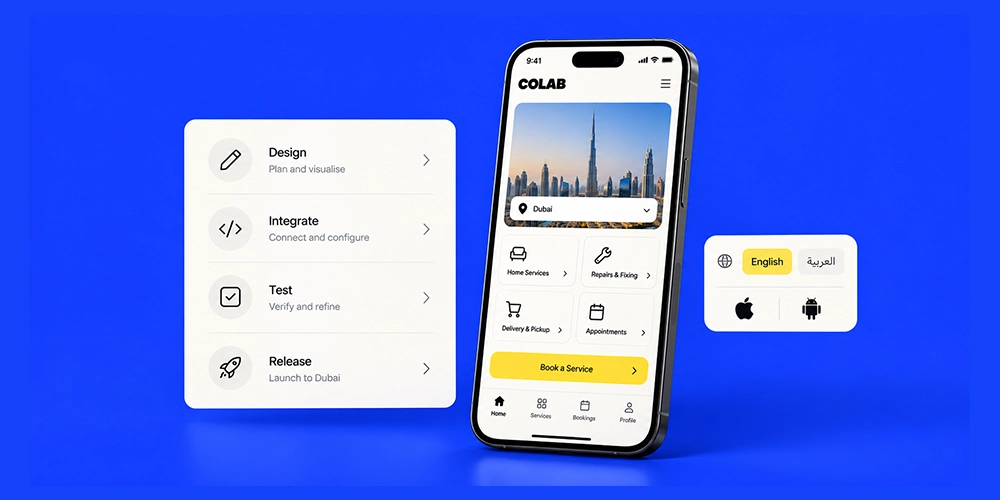
Choosing between Flutter, React Native, native iOS, native Android, or another development platform should start with the product requirements, not a preference for one framework. COLAB DXB helps businesses in Dubai and across the UAE plan and build mobile products around the features, integrations, users, and long-term technical requirements that matter to the business.
Our mobile app development services cover native iOS development, Android development, cross-platform applications, React Native projects, hybrid apps, backend integration, APIs, cloud infrastructure, testing, and ongoing product development. The goal is to select a technology stack that fits the application rather than forcing the application into a predetermined stack.
For a startup, that may mean choosing a shared iOS and Android codebase to get an MVP into users’ hands sooner. An enterprise application may require deeper integrations, defined user roles, secure data flows, dashboards, and connections with existing business systems. Products that depend on hardware features or platform-specific APIs may require a different architecture again.
For UAE-facing applications, we also account for requirements that generic mobile development plans can overlook. These can include:
- Arabic and English interfaces
- Right-to-left layout testing
- UAE-focused payment integrations
- Deep links and authentication flows
- Mobile API integrations
- iOS and Android device testing
- Cloud and backend architecture
- Privacy and security requirements
- Release preparation and ongoing updates
COLAB DXB also supports companies that already have an application or internal development team. Businesses can hire dedicated mobile app developers for existing iOS, Android, and cross-platform products, adding technical capacity without handing over control of the entire product roadmap.
The right mobile app development platform should support what the product needs now without creating unnecessary limits for its next stage. COLAB DXB can help evaluate the requirements, identify a suitable development approach, and build the iOS and Android product around those decisions.
Planning a mobile app in Dubai or the UAE? Talk to COLAB DXB about your product requirements and development options.


About The Author
Sid hasan
Sid Hasan is an entrepreneur and marketing strategist recognized for his expertise in brand growth, digital innovation, and business development. With over a decade of experience, he has guided companies in building data-driven marketing ecosystems that generate measurable results.
As the founder of COLAB Marketing Inc., Sid leads a global agency serving over 200 brands across the U.S. and UAE, blending creative storytelling with performance-driven strategy to help businesses scale effectively.
Through COLAB, he continues to empower emerging and established brands to transform ideas into lasting market impact through strategic clarity, creative execution, and digital excellence.
